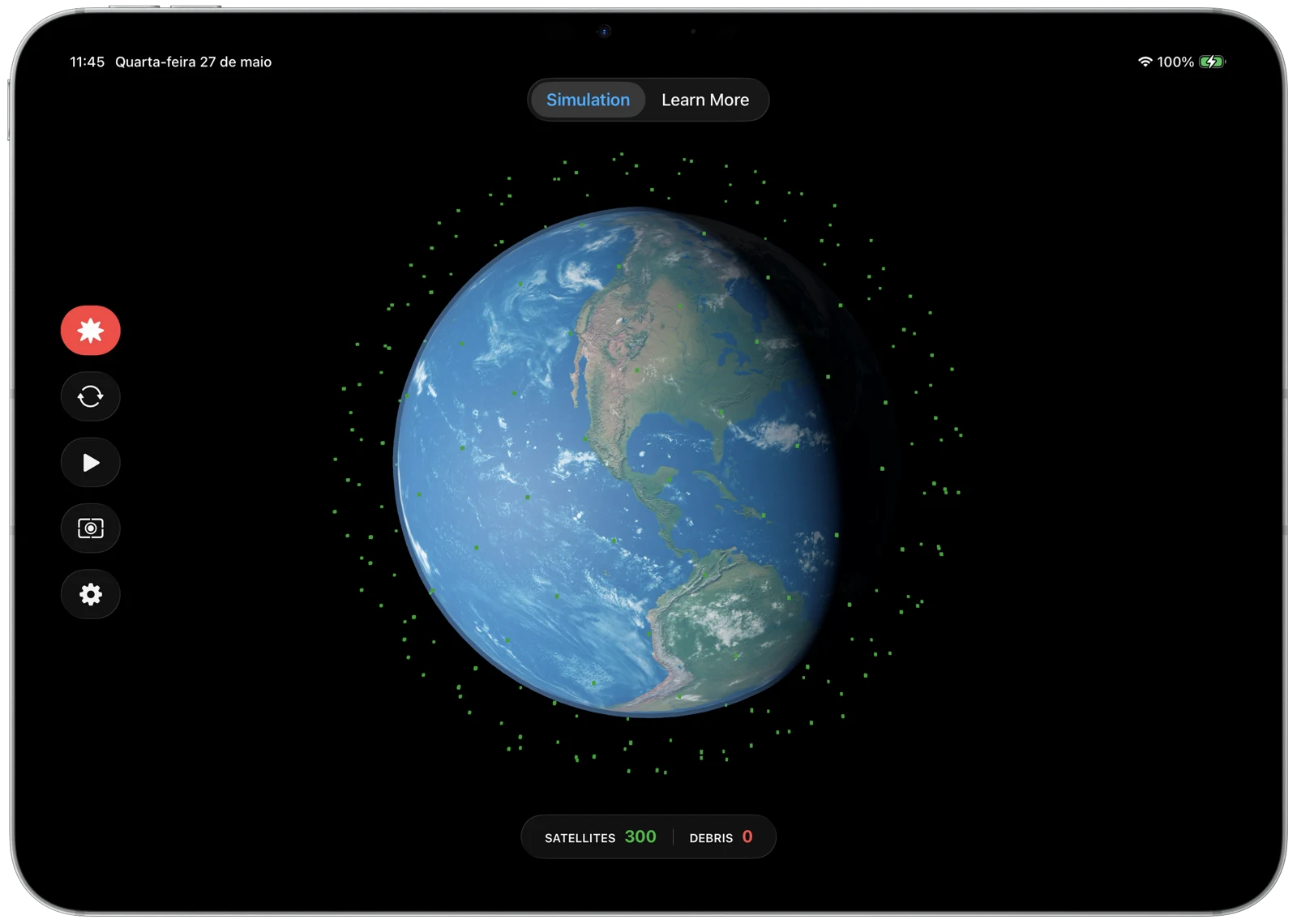
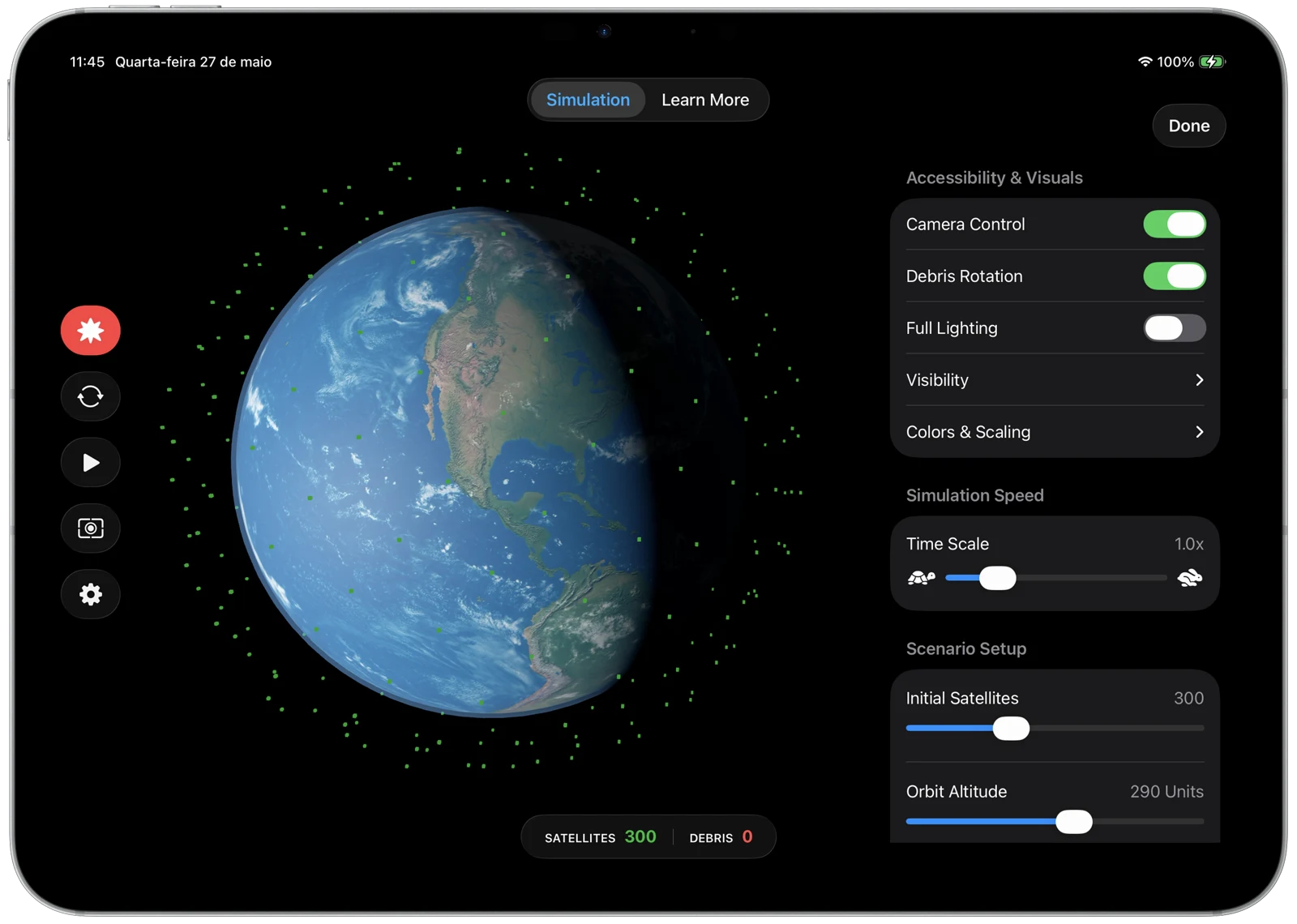
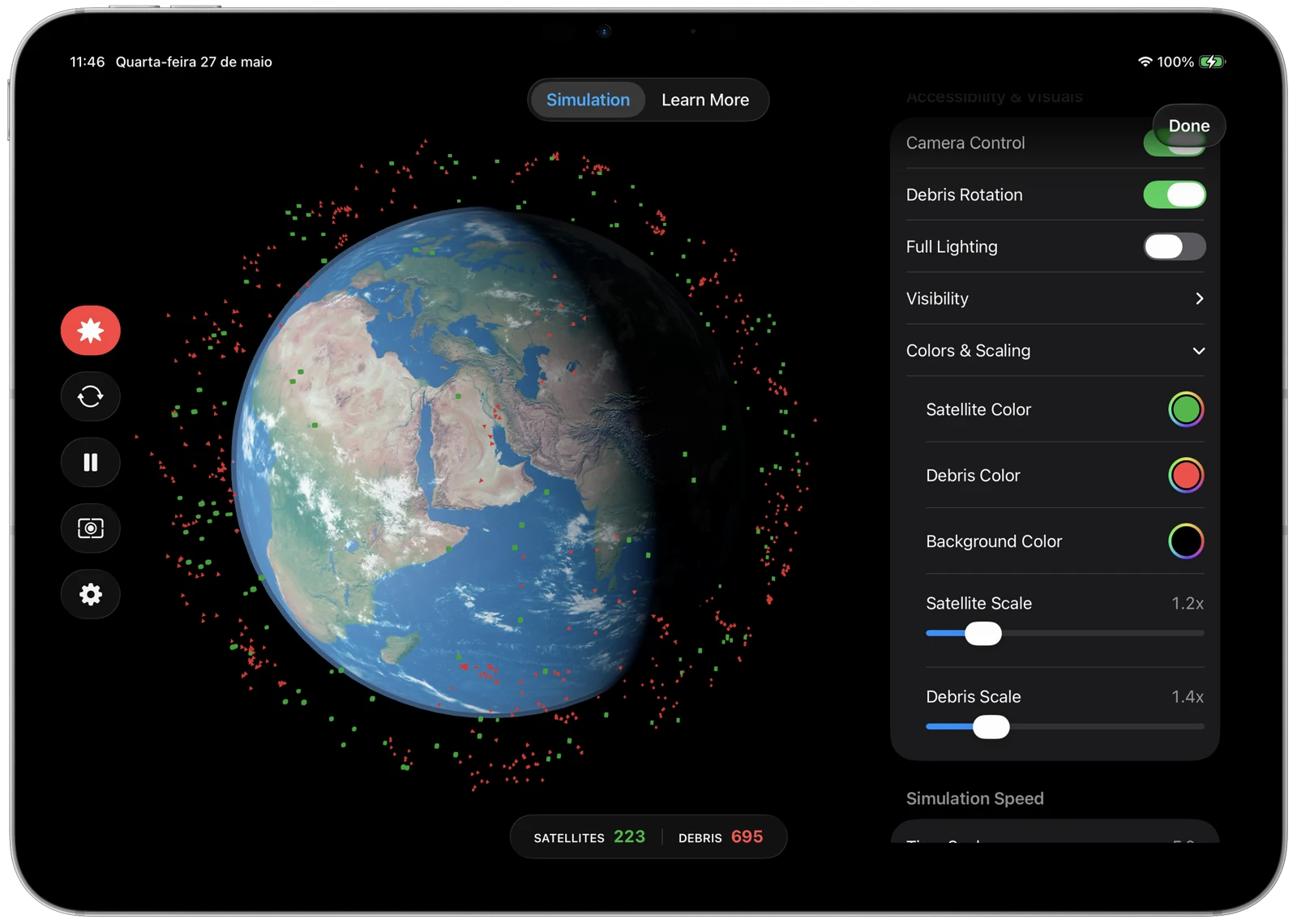
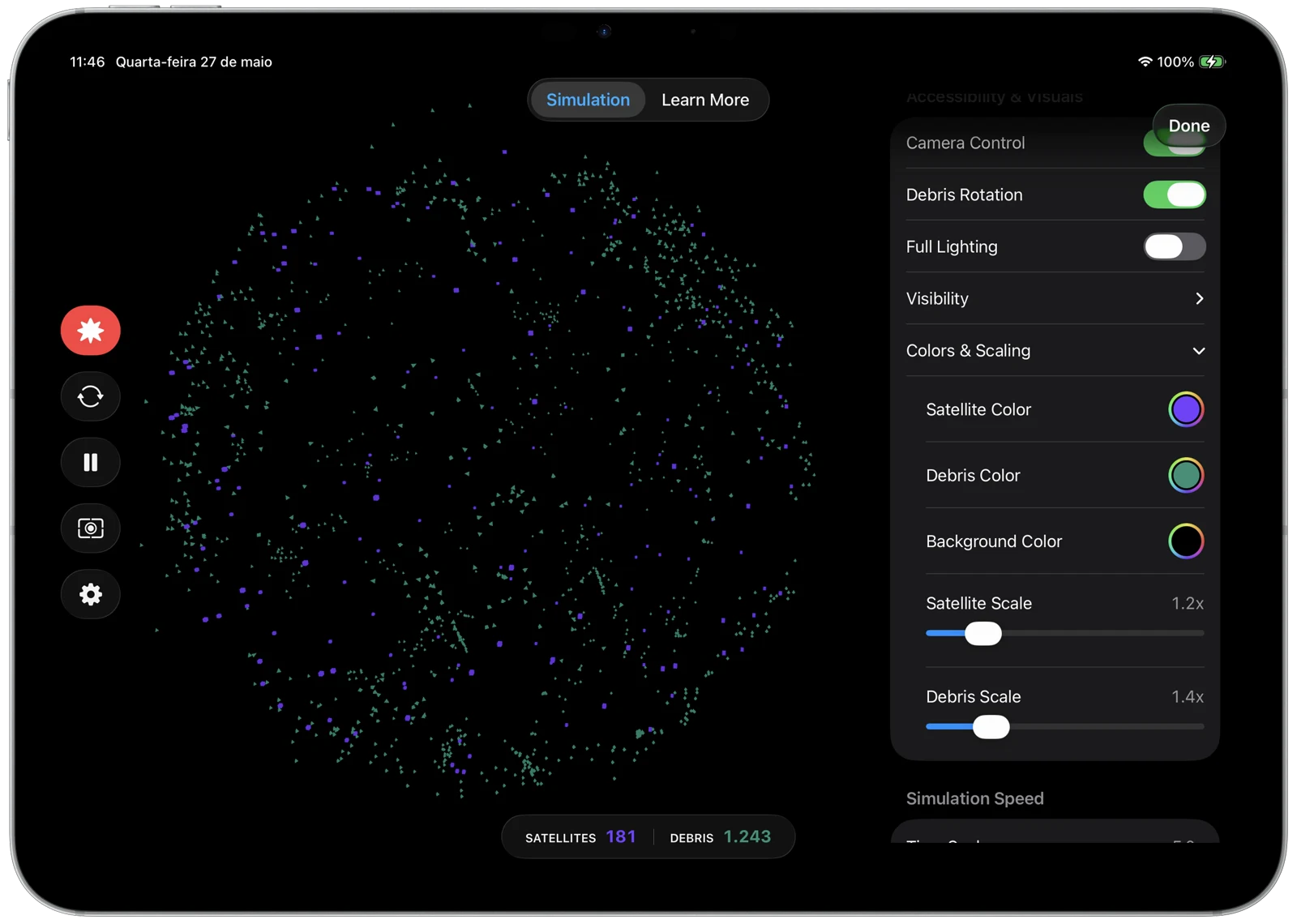
I used the Accelerate framework for vectorized math to keep the frame rate high. Switching to a Structure of Arrays (SoA) layout keeps memory access contiguous, making gravitational calculations much more efficient.
func updatePhysics(dt: Float, earthMass: Float, killRadiusSq: Float, maxRadiusSq: Float) {
    guard activeCount > 0 else { return }
    let count = activeCount
    let n = vDSP_Length(count)

    withSixBuffers(&posX, &posY, &posZ, &velX, &velY, &velZ) { pX, pY, pZ, vX, vY, vZ in
        let xBase = pX.baseAddress!
        let yBase = pY.baseAddress!
        let zBase = pZ.baseAddress!
        let vxBase = vX.baseAddress!
        let vyBase = vY.baseAddress!
        let vzBase = vZ.baseAddress!

        // distSq = posX² + posY² + posZ²
        vDSP_vsq(xBase, 1, scratchA, 1, n)
        vDSP_vsq(yBase, 1, scratchC, 1, n)
        vDSP_vadd(scratchA, 1, scratchC, 1, scratchA, 1, n)
        vDSP_vsq(zBase, 1, scratchC, 1, n)
        vDSP_vadd(scratchA, 1, scratchC, 1, scratchA, 1, n)

        // invDist = rsqrt(distSq)
        var n32 = Int32(count)
        vvrsqrtf(scratchB, scratchA, &n32)

        // factor = -earthMass * dt * invDist³
        vDSP_vmul(scratchB, 1, scratchB, 1, scratchC, 1, n)
        vDSP_vmul(scratchC, 1, scratchB, 1, scratchC, 1, n)
        var coeff = -earthMass * dt
        vDSP_vsmul(scratchC, 1, &coeff, scratchC, 1, n)

        // Mask out-of-range particles
        for i in 0..<count {
            if scratchA[i] < killRadiusSq || scratchA[i] > maxRadiusSq {
                scratchC[i] = 0
            }
        }

        // vel += pos * factor
        vDSP_vma(xBase, 1, scratchC, 1, vxBase, 1, vxBase, 1, n)
        vDSP_vma(yBase, 1, scratchC, 1, vyBase, 1, vyBase, 1, n)
        vDSP_vma(zBase, 1, scratchC, 1, vzBase, 1, vzBase, 1, n)

        // pos += vel * dt
        var dt_val = dt
        vDSP_vsma(vxBase, 1, &dt_val, xBase, 1, xBase, 1, n)
        vDSP_vsma(vyBase, 1, &dt_val, yBase, 1, yBase, 1, n)
        vDSP_vsma(vzBase, 1, &dt_val, zBase, 1, zBase, 1, n)
    }
}