EXIF.ER

published

Categories iOS
Stack SwiftUI, PhotosUI, PhotoKit, ImageIO, AVFoundation

overview

EXIF.ER started as a script based on Phil Harvey’s exiftool. I originally built this automation to organize my photo backups. Since I take lots of photos with my iPhone, I soon adapted the script to work through the Shortcuts app.

Later, at the Apple Developer Academy, we were challenged to create a tool that solved a real practical problem. The choice felt natural: what started as a script was the perfect foundation for a full app.

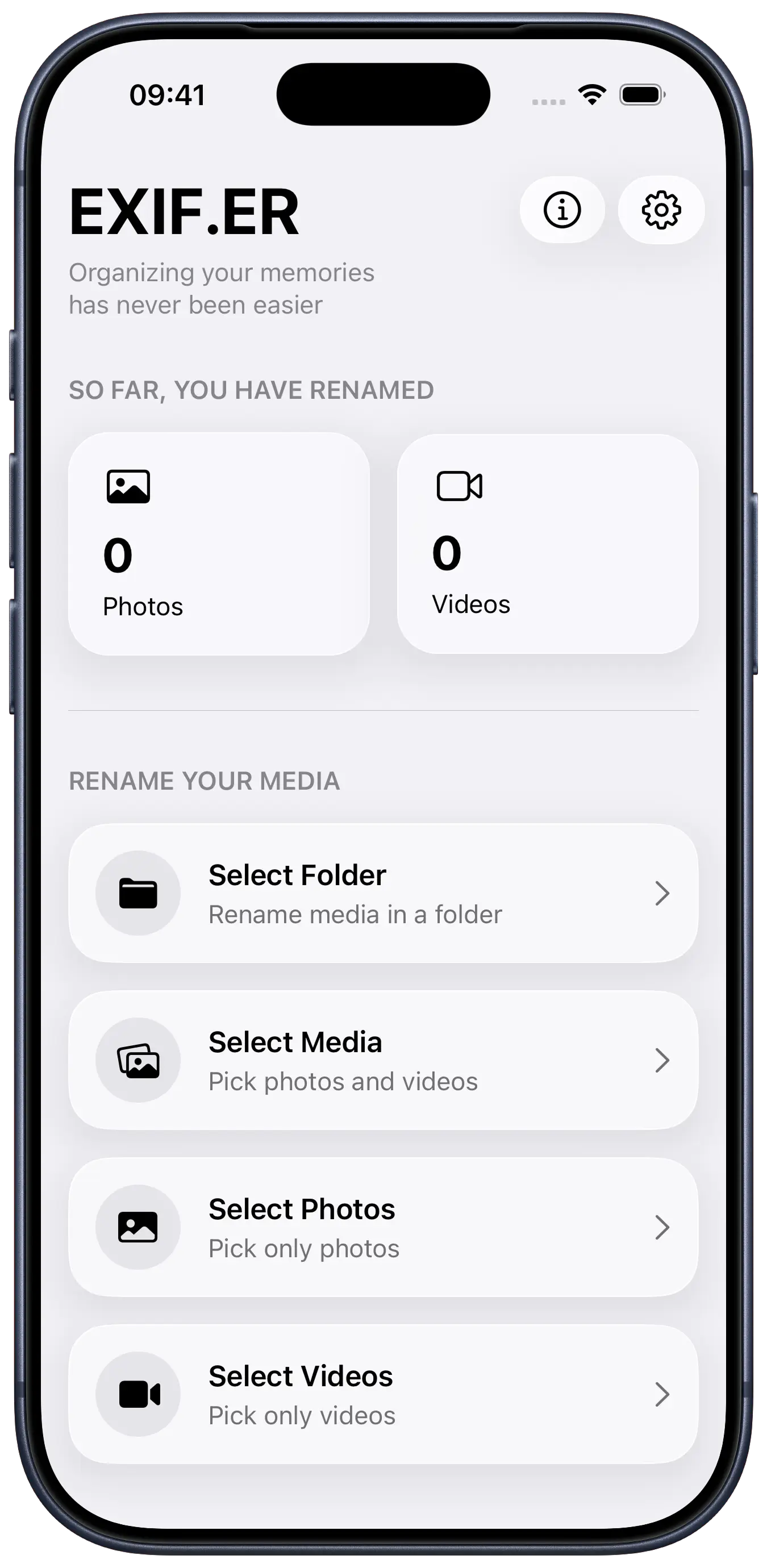
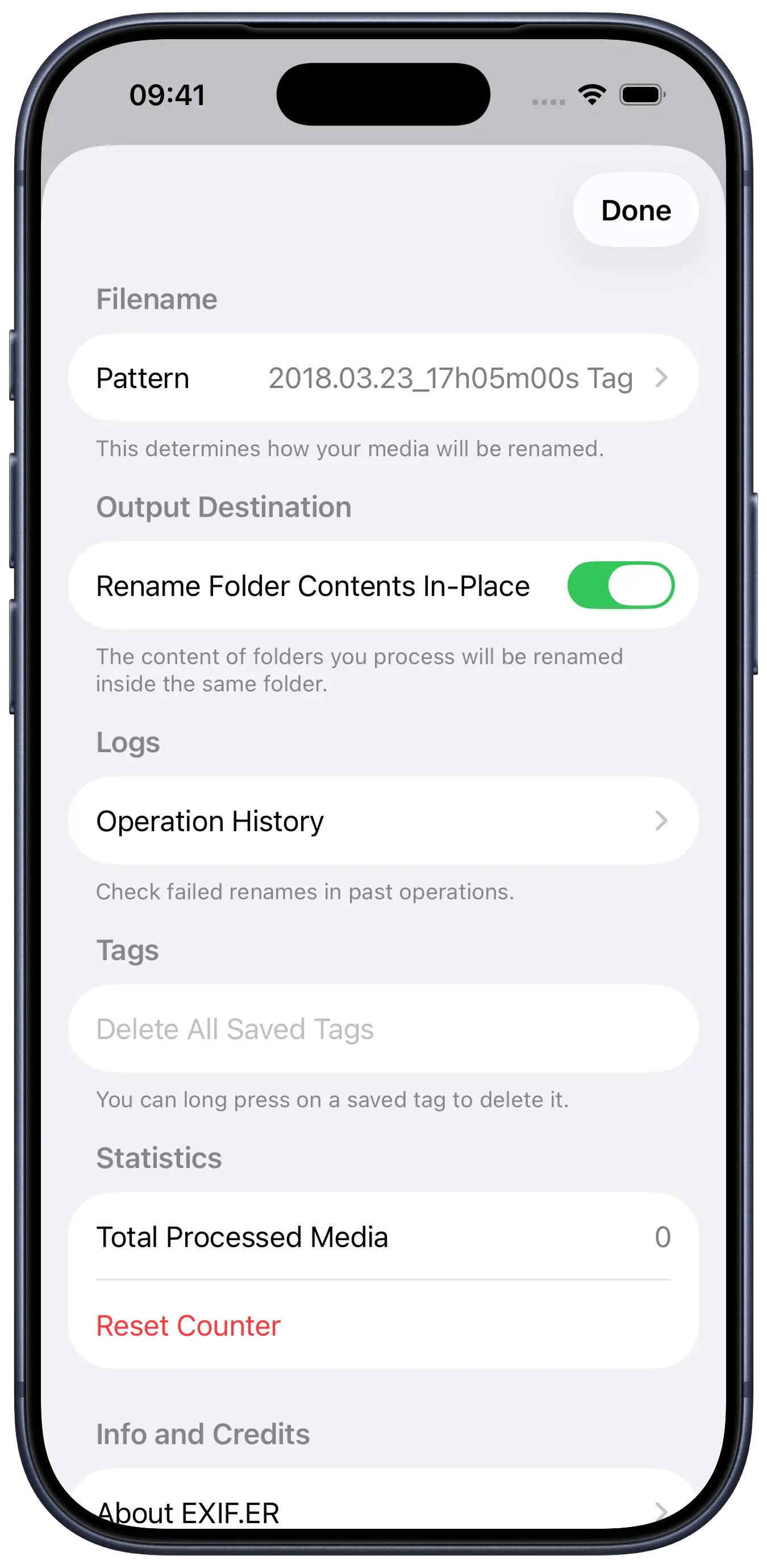
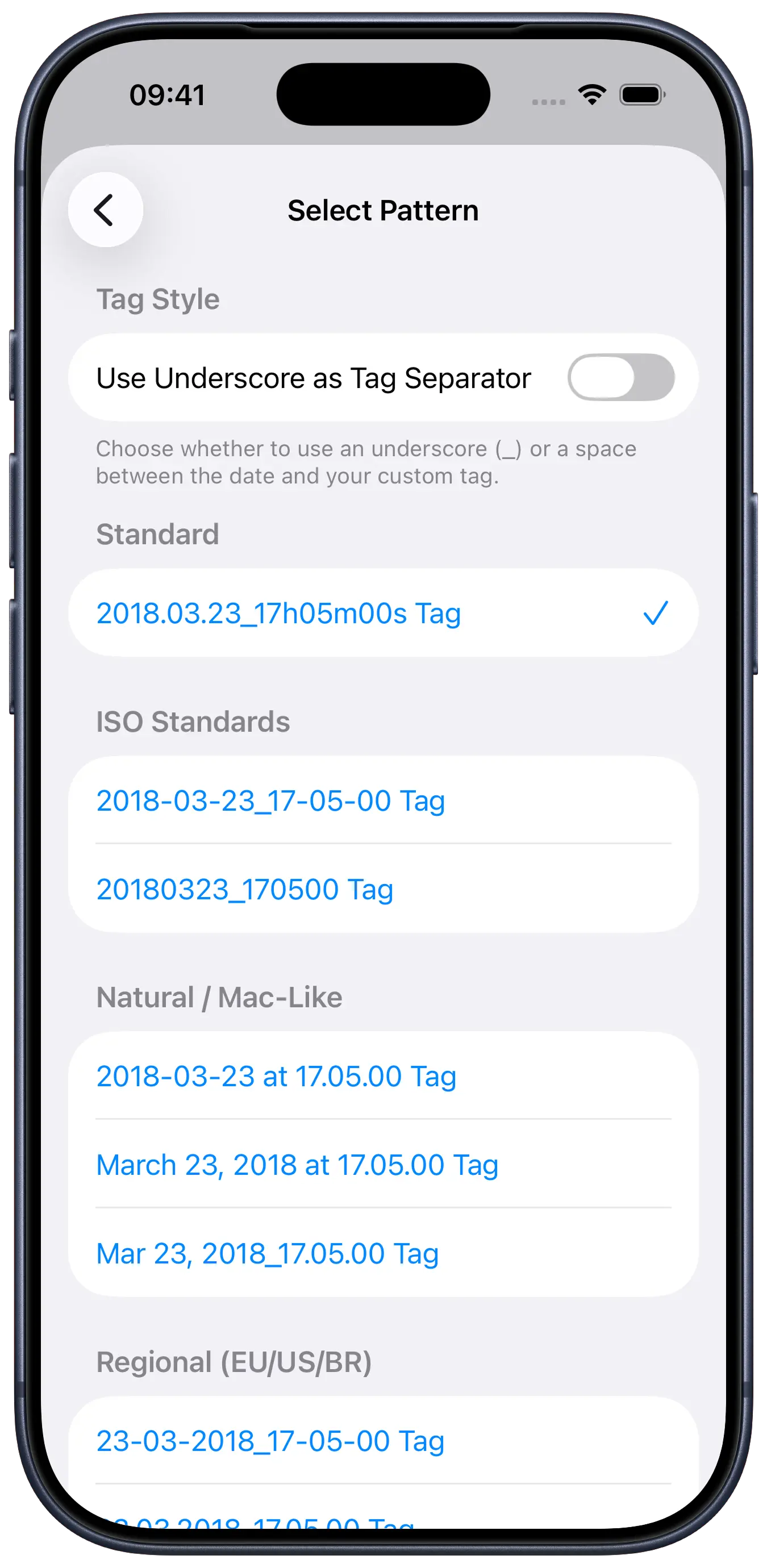
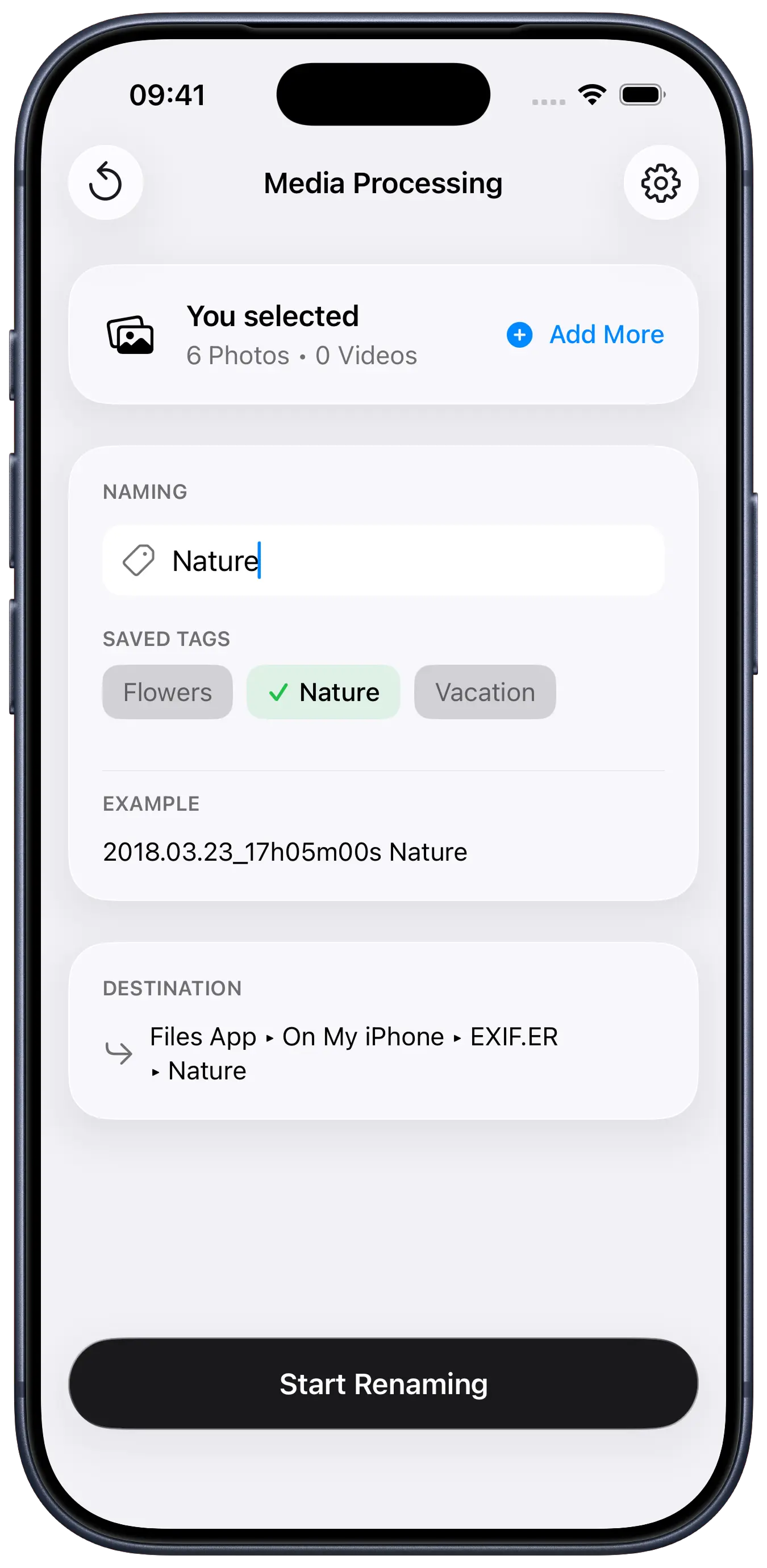
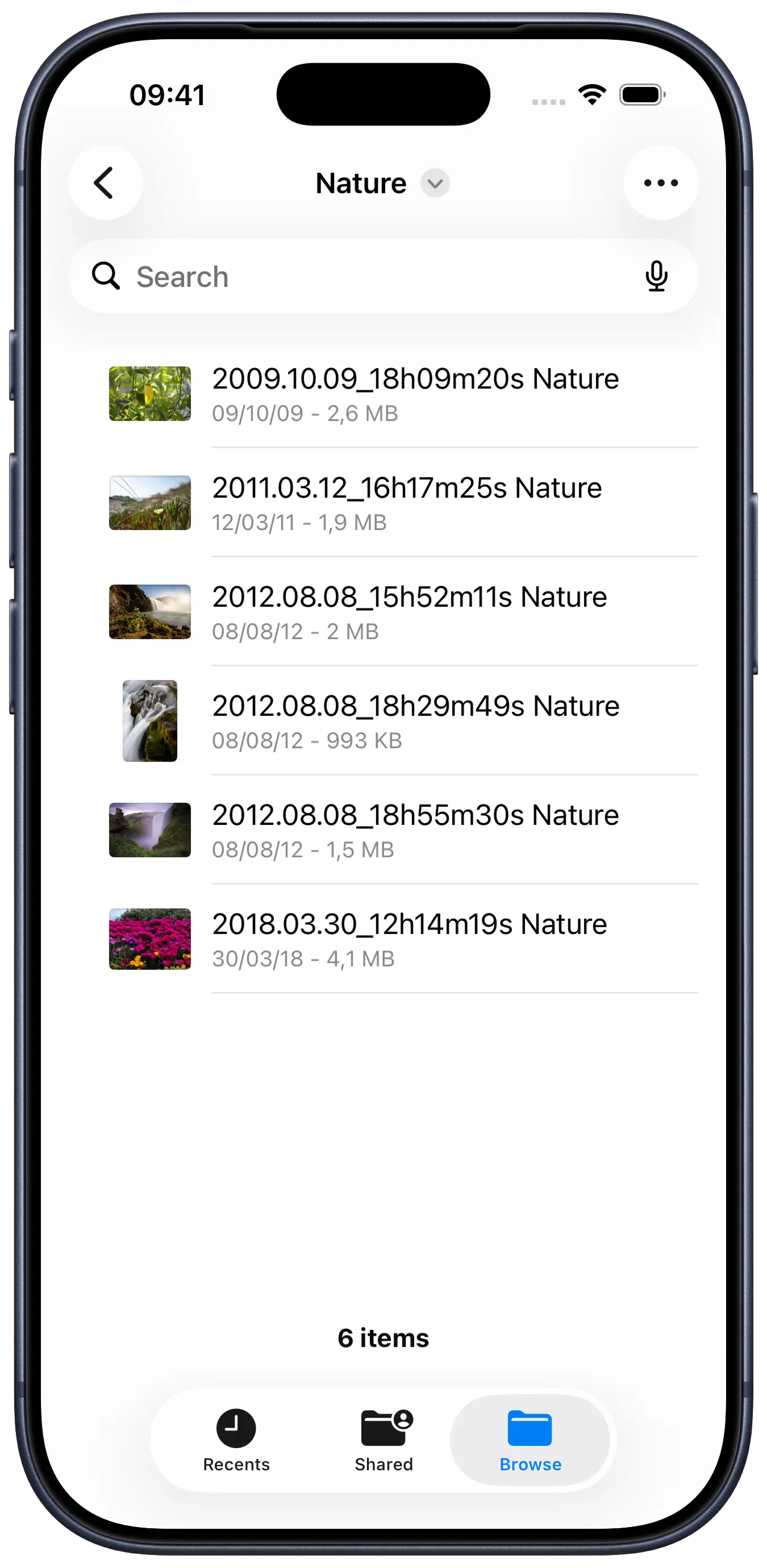
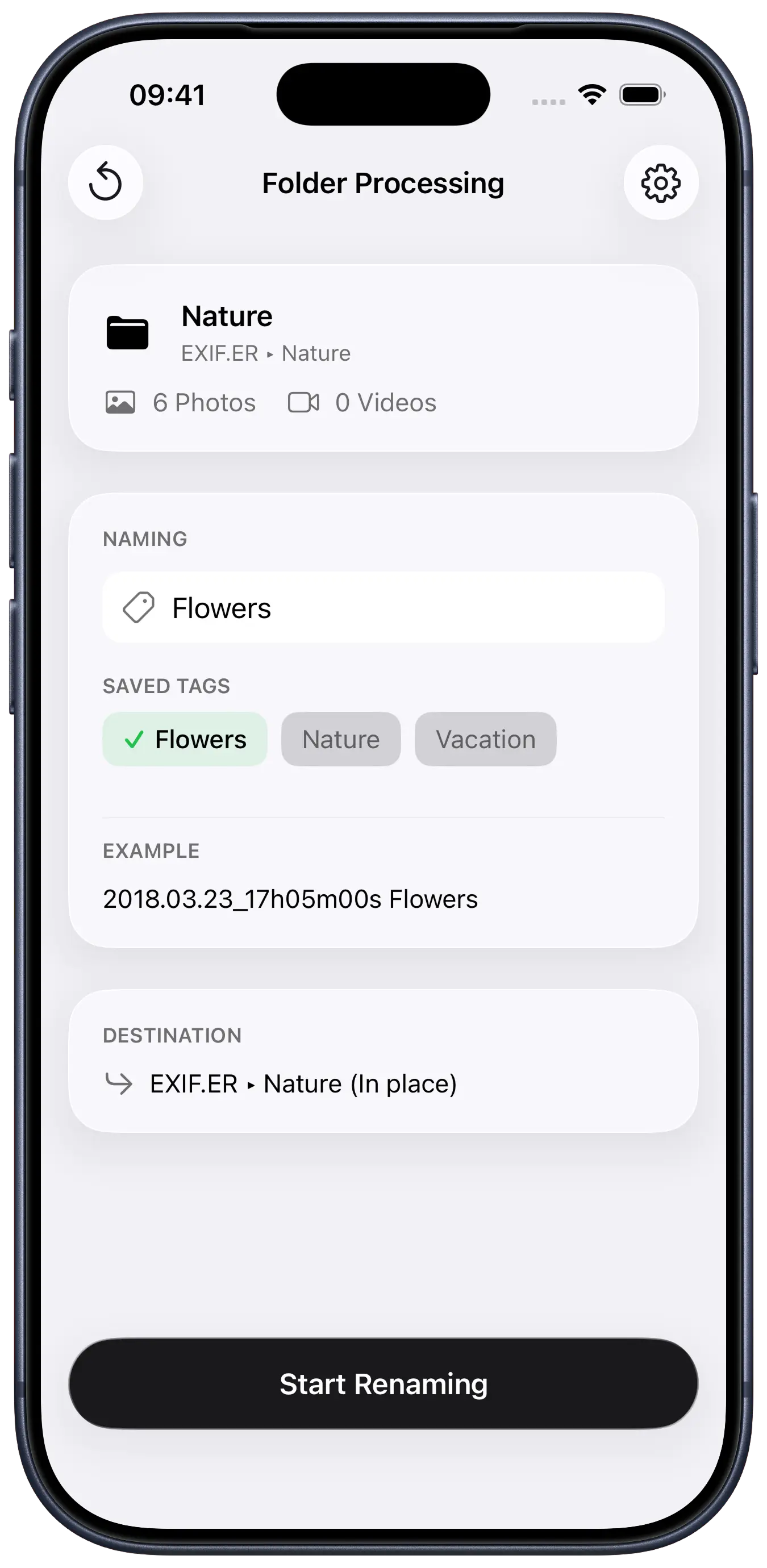
That’s how EXIF.ER was born. It automatically renames photos and videos using their original capture dates (EXIF for images, QuickTime for video), letting you choose from dozens of naming templates for easier organization.

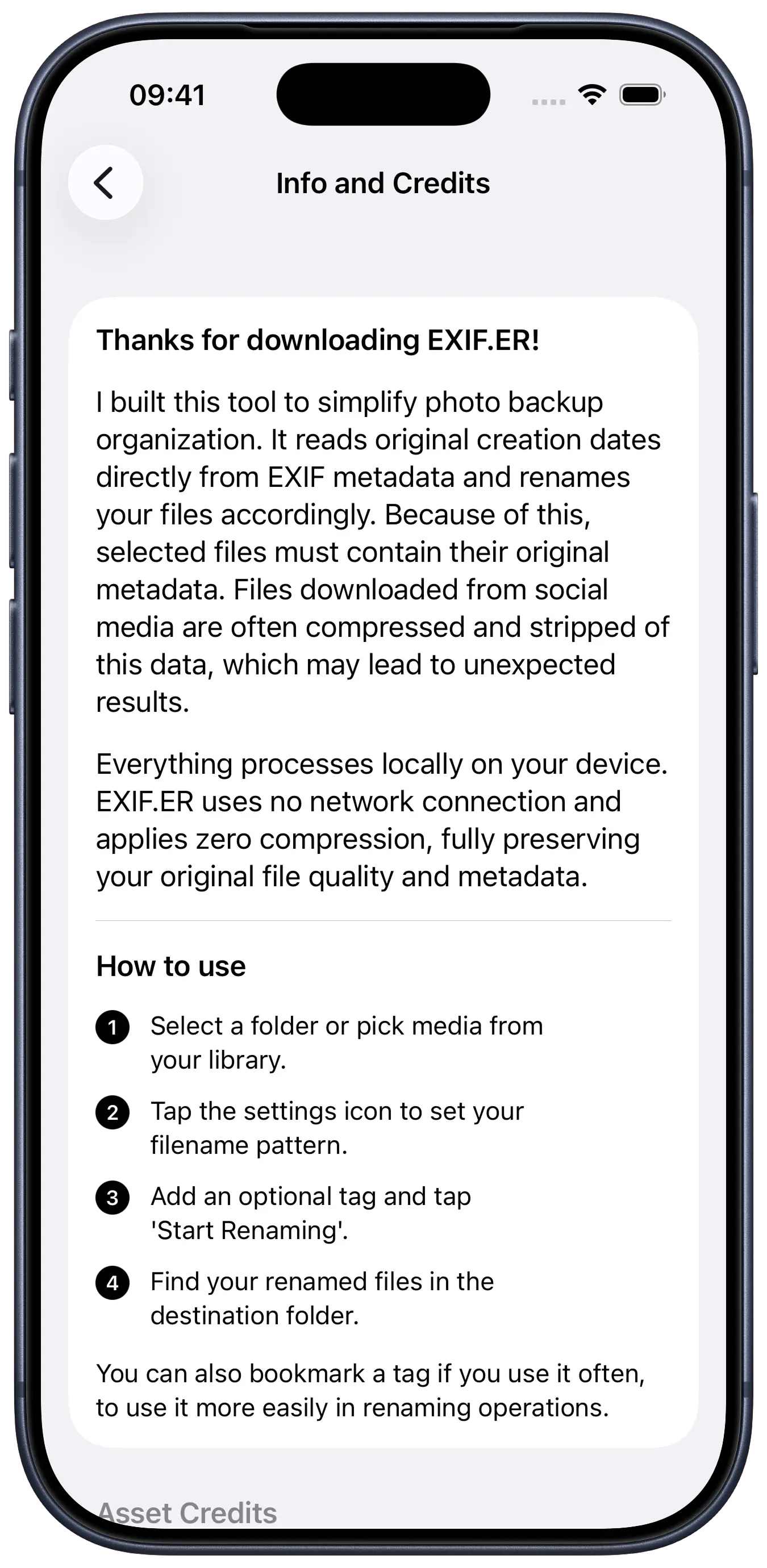
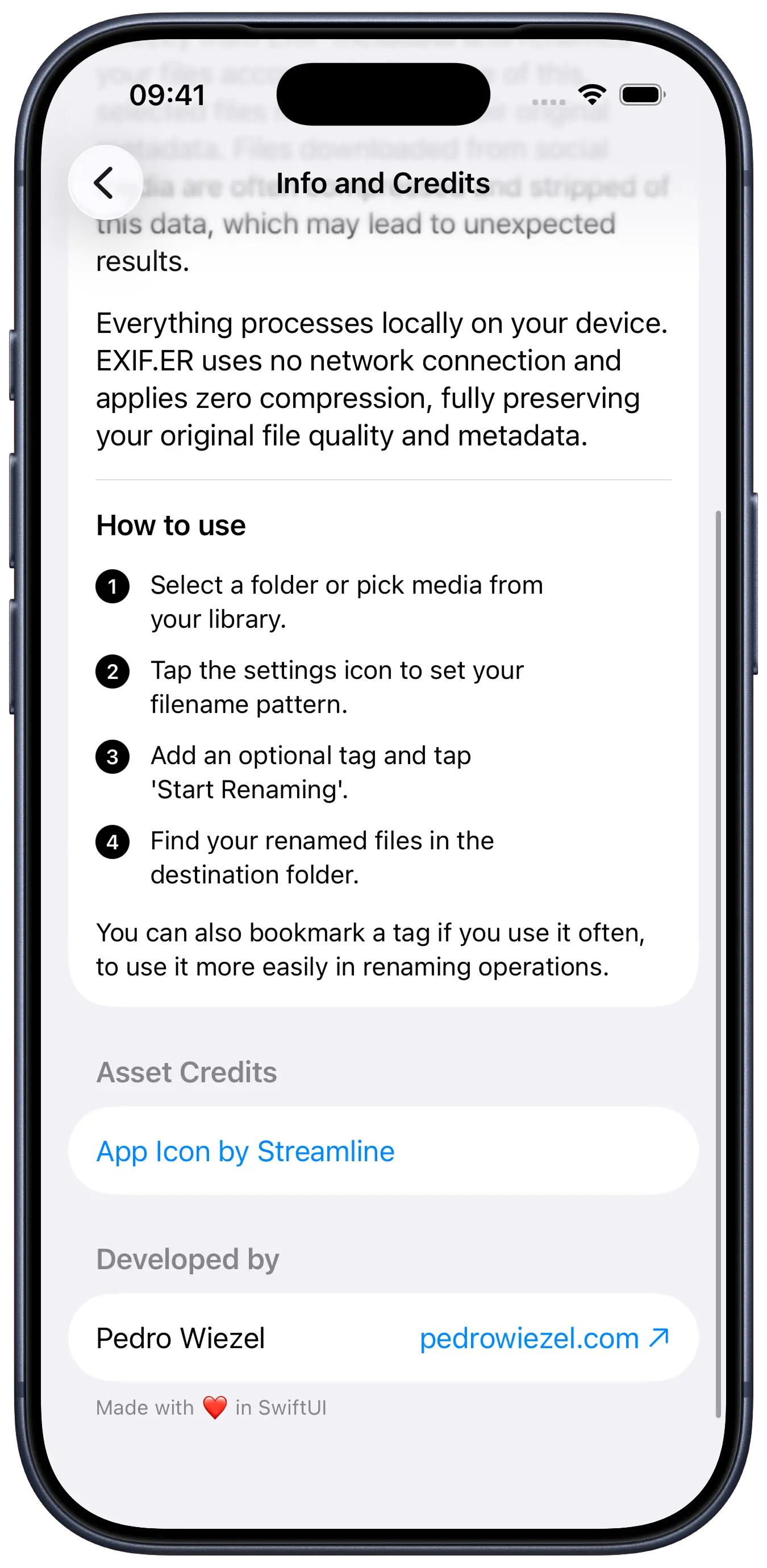
All processing works locally on-device (no uploads or servers). The app integrates with both the file system and the Photo Library and supports a wide range of formats, from RAW photos like .DNG (Apple ProRAW) to .MOV and .MP4 video. Files are renamed while preserving their original quality and metadata.

Available in 6 languages, developing EXIF.ER was an enriching technical challenge that covered the full development cycle: from interface and code to data manipulation. I am proud of the result, not only because it is a tool I use daily, but because it marks my debut on the App Store.

tech stack

SwiftUI
UI framework
PhotosUI
photo & video picker
PhotoKit
library fast path
ImageIO
EXIF extraction
AVFoundation
video metadata

code snippets

The Transferable protocol handles importing media from the Photos picker. Picked files are moved to the app's temp directory to survive the system cleanup window. I also declare content types for both video and images to get the original file without a slow HEVC transcode.

struct PhotoFile: Transferable {
    let url: URL

    /// Move to temp directory to survive cleanup.
    private static func importFile(from received: ReceivedTransferredFile) throws -> PhotoFile {
        let fileName = received.file.lastPathComponent
        let destURL  = FileManager.default.temporaryDirectory.appending(path: fileName)

        if FileManager.default.fileExists(atPath: destURL.path) {
            try? FileManager.default.removeItem(at: destURL)
        }

        // Moving is instant on the same filesystem and avoids duplicates.
        try FileManager.default.moveItem(at: received.file, to: destURL)
        return PhotoFile(url: destURL)
    }

    static var transferRepresentation: some TransferRepresentation {
        // Use specific types to get original files without transcoding.
        // The generic `.item` type causes slow HEVC → H.264 transcoding.

        FileRepresentation(contentType: .movie) { SentTransferredFile($0.url) }
            importing: { try importFile(from: $0) }

        FileRepresentation(contentType: .image) { SentTransferredFile($0.url) }
            importing: { try importFile(from: $0) }
    }
}

design choices

palette

matte #F2F2F7
shutter #1C1C1E
flash #FFFFFF

typography

SF Pro / interface via SwiftUI semantic styles
The quick fox jumps over the lazy dog
SF Pro · monospaced digits / timers & counters
00:42 · 137 / 248

some fonts used in this project are proprietary and may not display correctly if they are not installed on your system.

rationale

EXIF.ER is a simple utility: pick files, pick a template, run. The design exists to get out of the way of that loop. There's no marketing chrome, no decorative illustration, no animated celebration on completion: just the file list, the rename preview, and a clear progress state. Treating the interface as scaffolding rather than the product itself mirrors how exiftool and other forensic tools work, and it keeps the focus on whether the right dates are about to be written to the right files.

That minimalism extends to the palette. The app leans entirely on iOS's semantic background colors, like .secondarySystemBackground for the main canvas and .tertiarySystemBackground for cards, so the whole interface adapts to light and dark mode without me ever hand-picking a second set of values. High-contrast white highlights and the near-black shutter tone do the rest, keeping the file list legible whether you're triaging photos in bed or in the sun.

The typography follows the same discipline. Every label is an SF Pro semantic style (.body, .headline, .subheadline, .caption), which keeps the hierarchy native and gets weight, scaling, and Dynamic Type for free. The one deliberate exception is .monospacedDigit() on the elapsed-time and file-counter readouts during processing: numbers there change several times per second, and locking the digit widths stops the layout from twitching while the queue flies past.

credits

people

design · development · shipping
pedro wiezel

assets

iconography