givee

Categories iOS
Stack SwiftUI, SwiftData, EventKit

overview

Givee was the first big app project I participated in. It originated in the Apple Developer Academy, when we were challenged with developing an app about anything we wanted that solved someone's pain. The idea came to us as we discussed common issues people face when giving gifts, such as not remembering dates, what each person likes and the price of a lot of objects people express interest in. Givee came out of that: one place for all of it, so nothing falls through the cracks before someone's birthday.

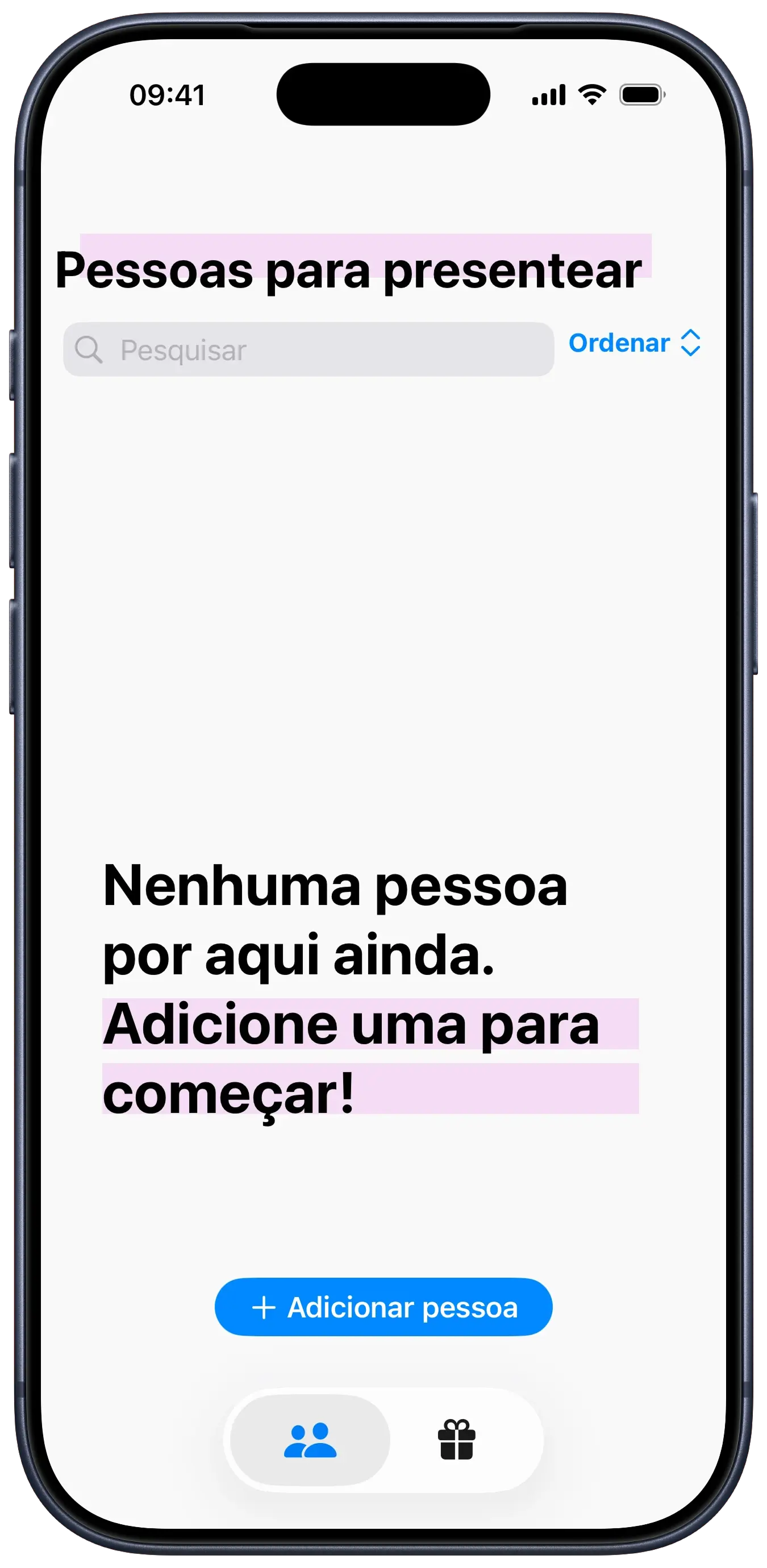
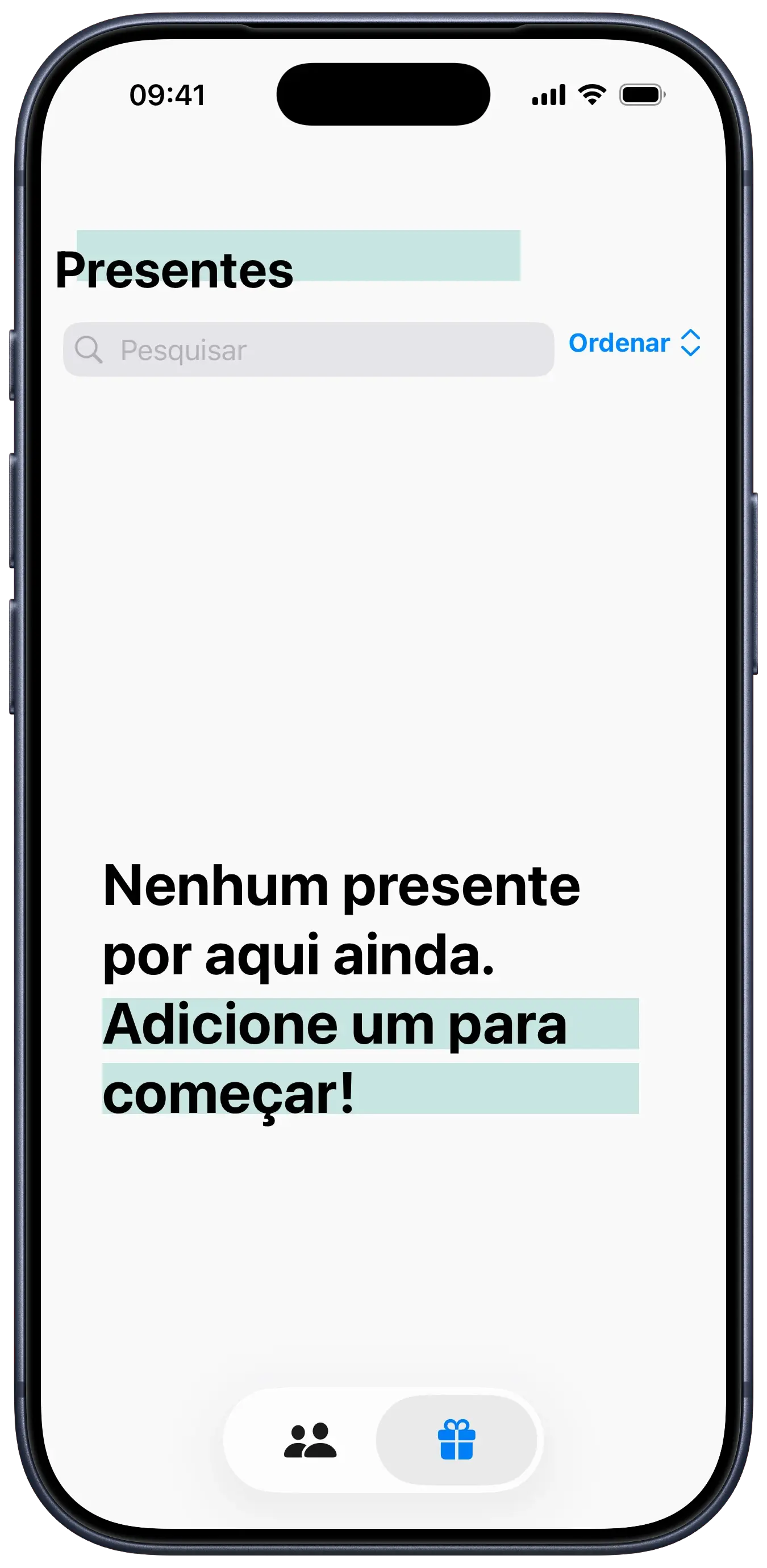
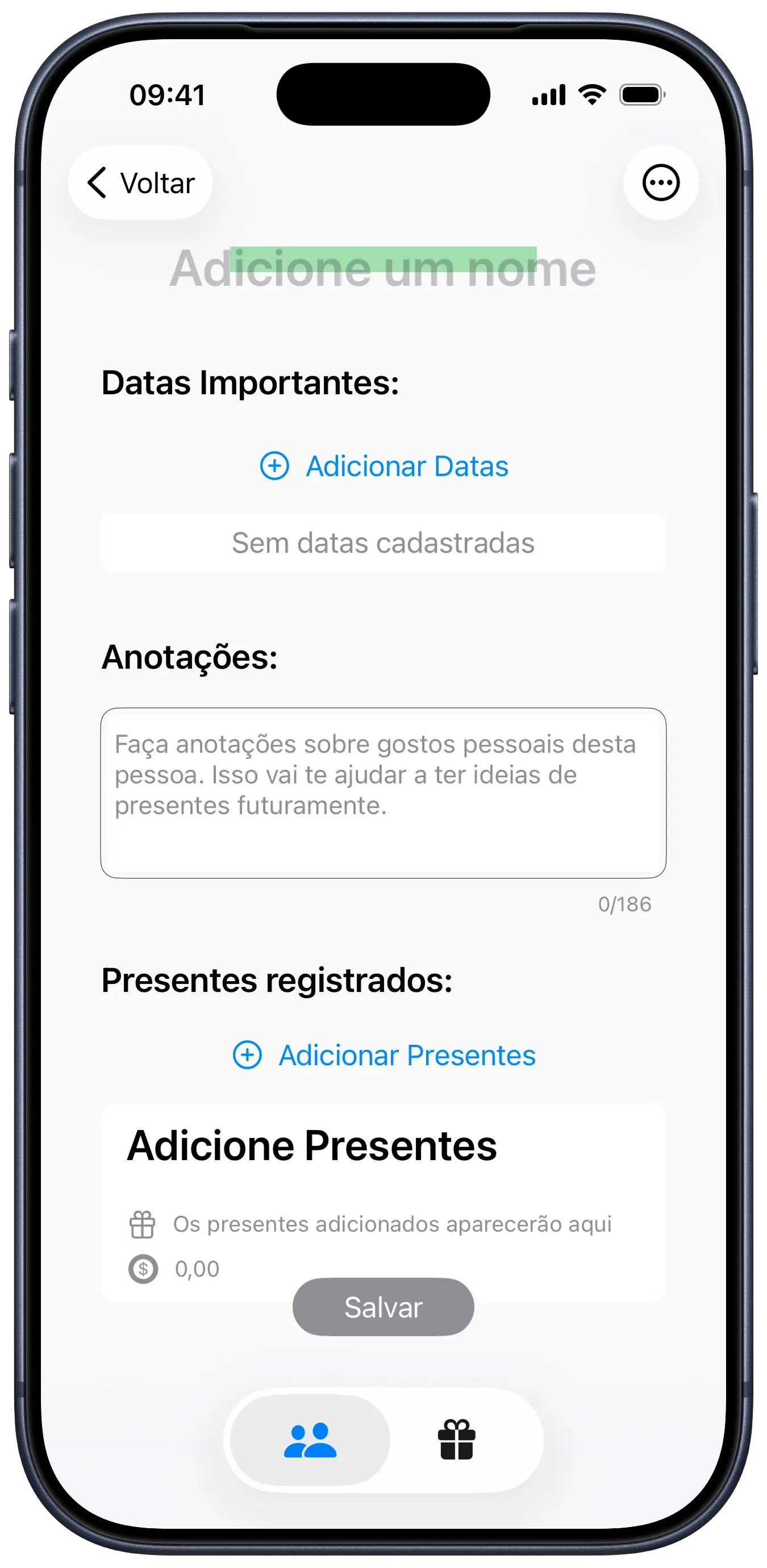
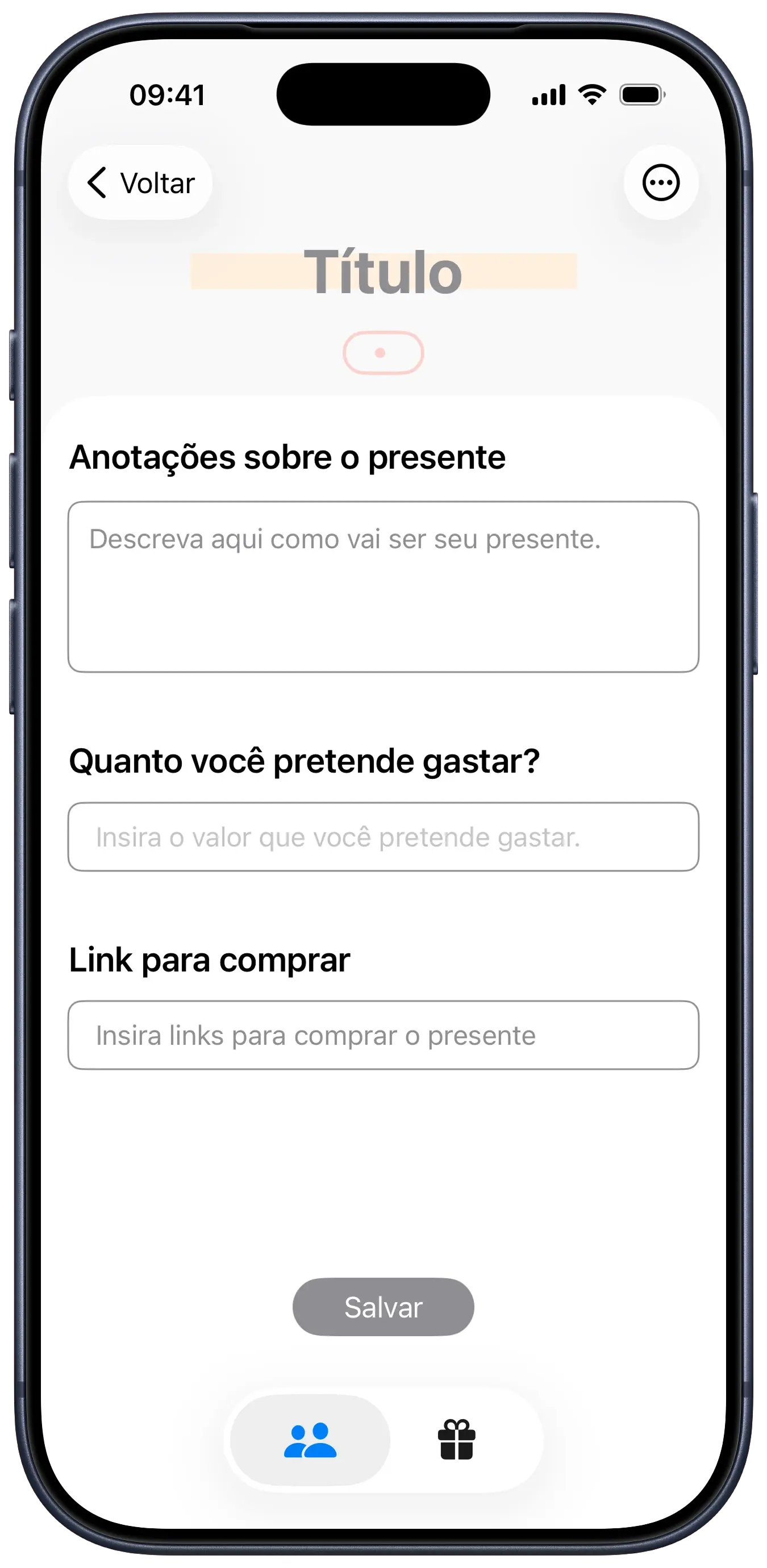
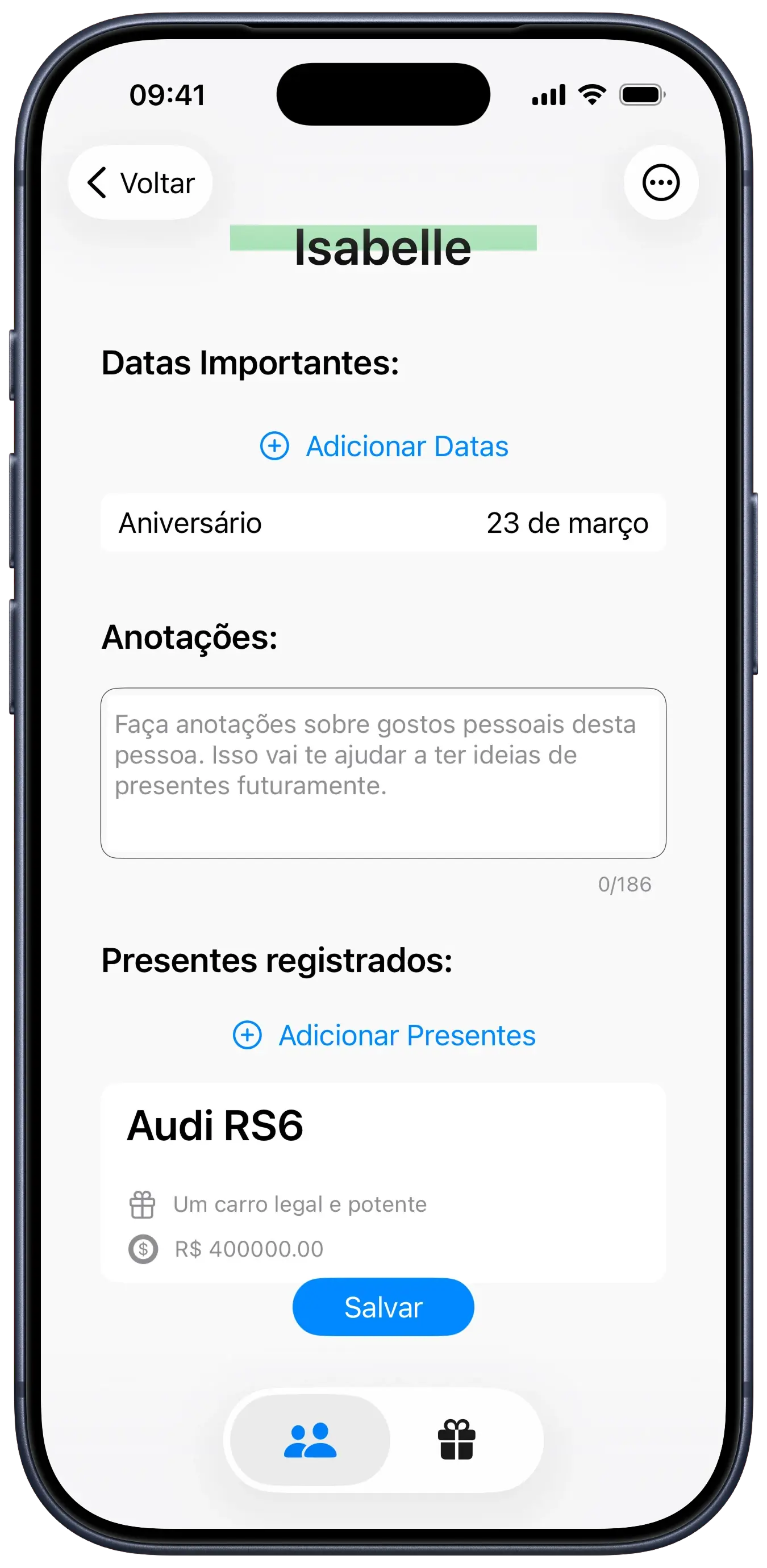
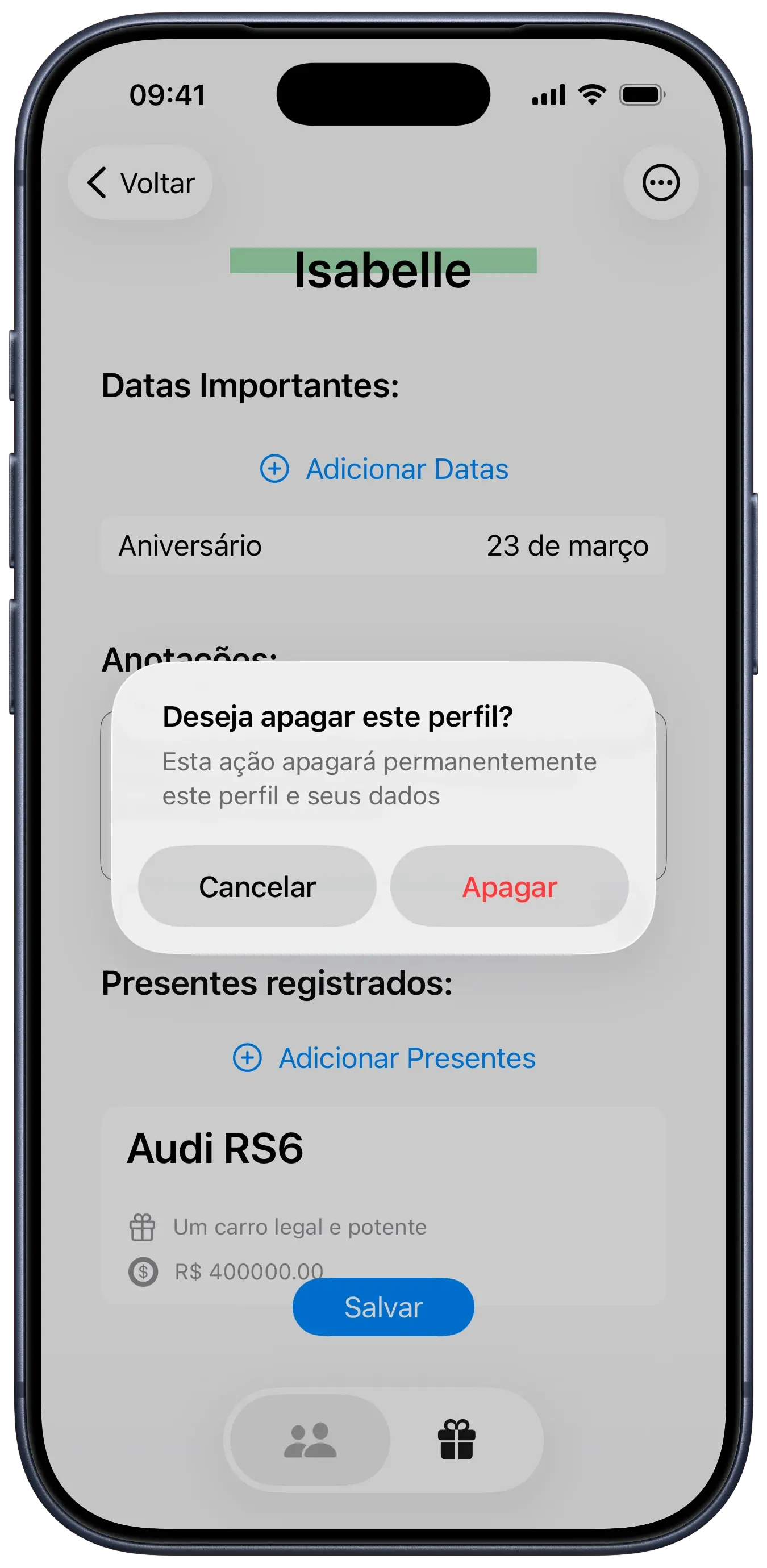
The app allows users to create profiles for every important person, registering commemorative dates (such as birthdays and anniversaries) and associating gift ideas with them. Each item on the gift list can include detailed notes, price estimates, and direct purchase links.

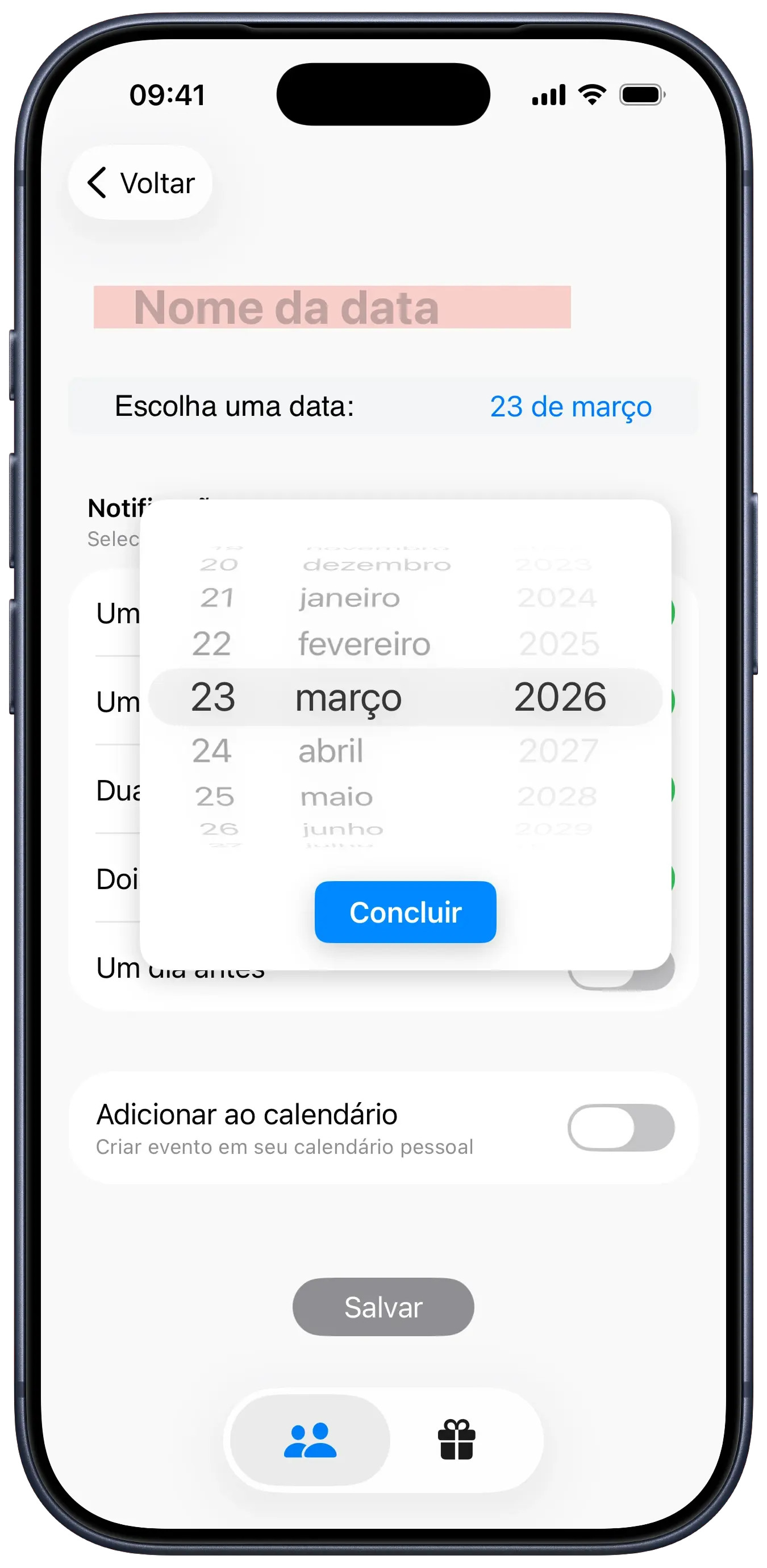
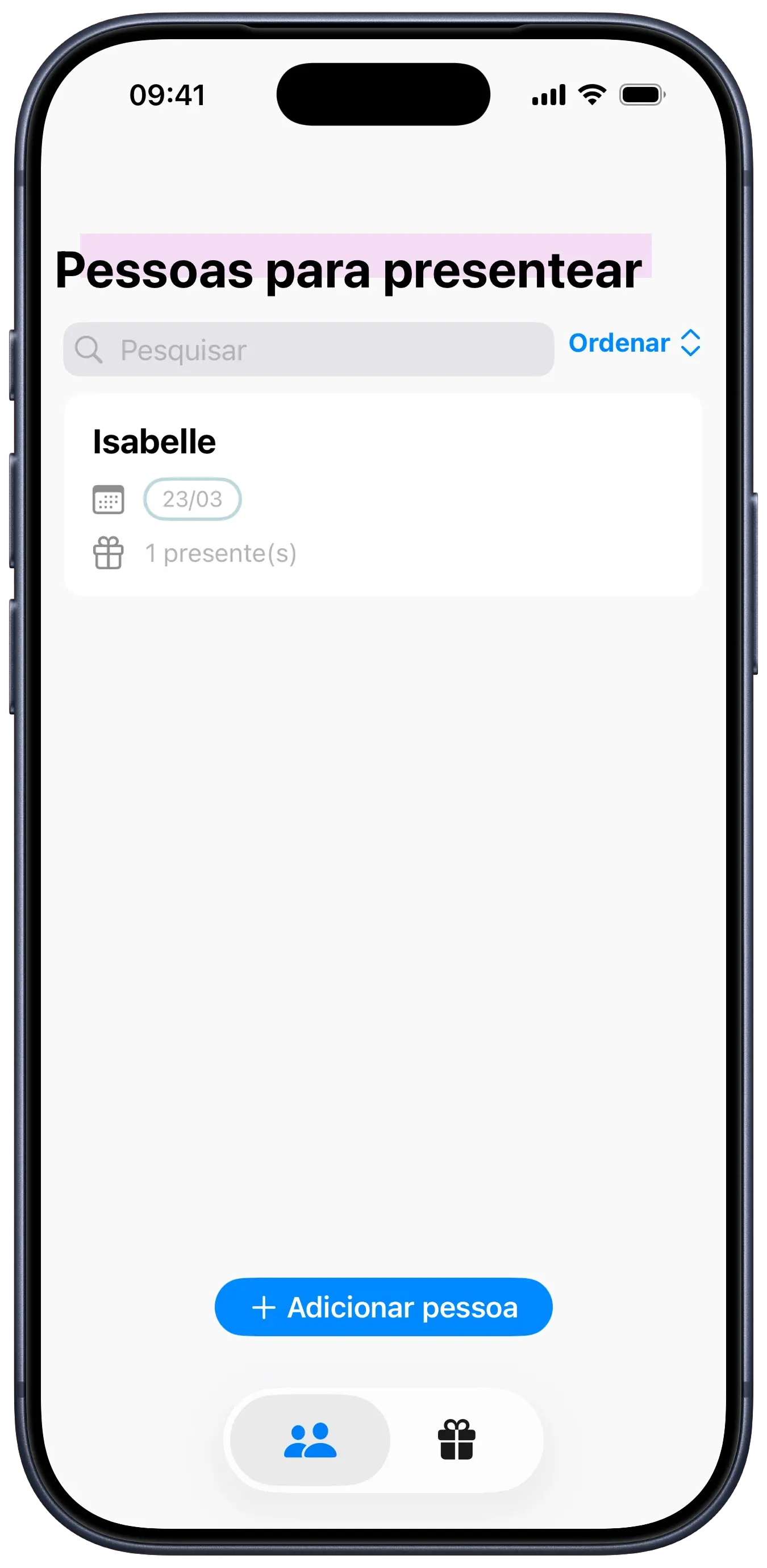
On the local backend, we used SwiftData to create relationships between user profiles, their important dates, and suggested gifts. A key technical feature was the integration with EventKit, which allows users to export dates registered in the app directly to the native iOS calendar, so no birthday is ever forgotten. The SwiftUI interface centers on search and sorting filters — practical once a list grows past a dozen people.

tech stack

SwiftUI
UI framework
SwiftData
local persistence
EventKit
calendar integration

code snippets

We used EventKit to hook the app's gift reminders into the system calendar. It sets up all-day, annually recurring events for birthdays and anniversaries, so your gift schedule is visible across all your synced devices automatically.

class CalendarManager: ObservableObject {
    private let eventStore = EKEventStore()
    @Published var authorizationStatus: EKAuthorizationStatus = .notDetermined
    
    func requestAccess() {
        eventStore.requestFullAccessToEvents { granted, error in
            DispatchQueue.main.async {
                self.authorizationStatus = granted ? .authorized : .denied
            }
        }
    }
    
    func createEvent(title: String, date: Date) {
        let event = EKEvent(eventStore: eventStore)
        event.title = title
        event.startDate = date
        event.endDate = date
        event.isAllDay = true
        event.calendar = eventStore.defaultCalendarForNewEvents
        
        let recurrenceRule = EKRecurrenceRule(
            recurrenceWith: .yearly,
            interval: 1,
            end: nil
        )
        event.recurrenceRules = [recurrenceRule]
        
        do {
            try eventStore.save(event, span: .thisEvent)
            print("Event Created")
        } catch {
            print("Error creating event: \(error.localizedDescription)")
        }
    }
}

design choices

palette

paper #F4F2F2
graphite #757575
ocean #80AFBD
mint #7FBD8C
blush #E9B8E8
coral #F8CFC9
marker #F5FF62
citrus #FFDFBB

typography

SF Pro Display / headings and primary text
The quick fox jumps over the lazy dog
SF Pro Rounded / labels and casual tone
The quick fox jumps over the lazy dog

some fonts used in this project are proprietary and may not display correctly if they are not installed on your system.

rationale

The design of Givee is rooted in a digital notebook metaphor, using an off-white paper color (#F4F2F2) to establish a warm, accessible tone. By avoiding clinical whites, the app feels more like a draft or personal notebook. This fits the messy, iterative process of gifting, where ideas are often semi-formed before a final purchase.

The most distinctive element is the use of highlight colors (ocean, blush, citrus, etc.) implemented via ZStacks. In the code (e.g., GiftTitleView and NameSectionView), these appear as offset colored rectangles behind text, mimicking the physical action of using a felt-tip marker. It pulls the eye to titles and names, and the physicality of marker strokes gives the whole thing a scrapbook feel rather than a database one.

The same warmth carries into the small details: rounded fonts, capsule-shaped date tags, soft strokes throughout. Since gifting is personal, I avoided a cold, spreadsheet-style list. By styling components like DateCapsule and TagView with coral tones, the app treats profiles as scrapbook entries rather than mere data points. The result is something that feels personal rather than administrative.

credits