origo

GPLv3 license

Categories iOS
Stack SwiftUI, SwiftData, Google Maps SDK, AVFoundation

overview

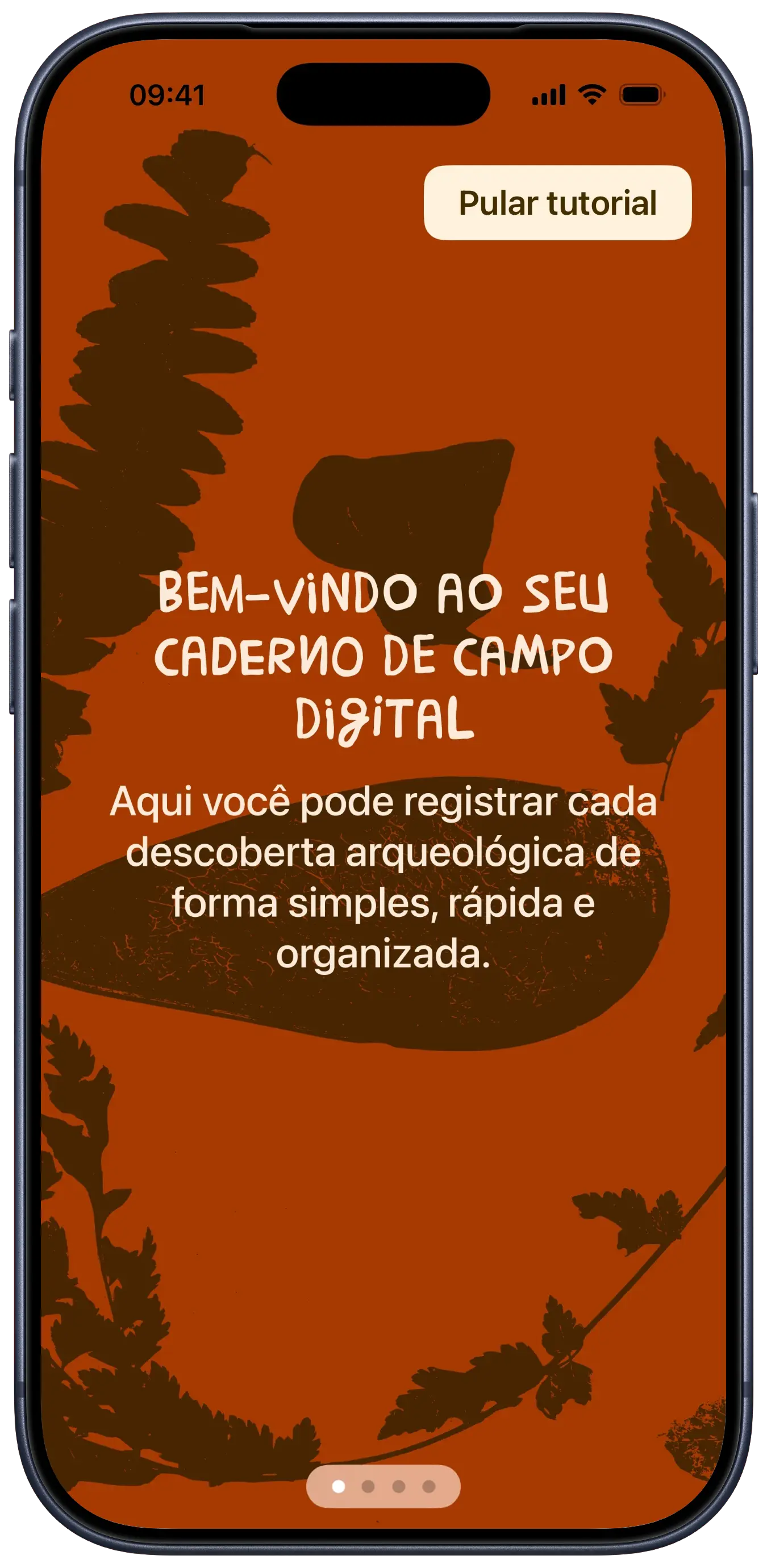
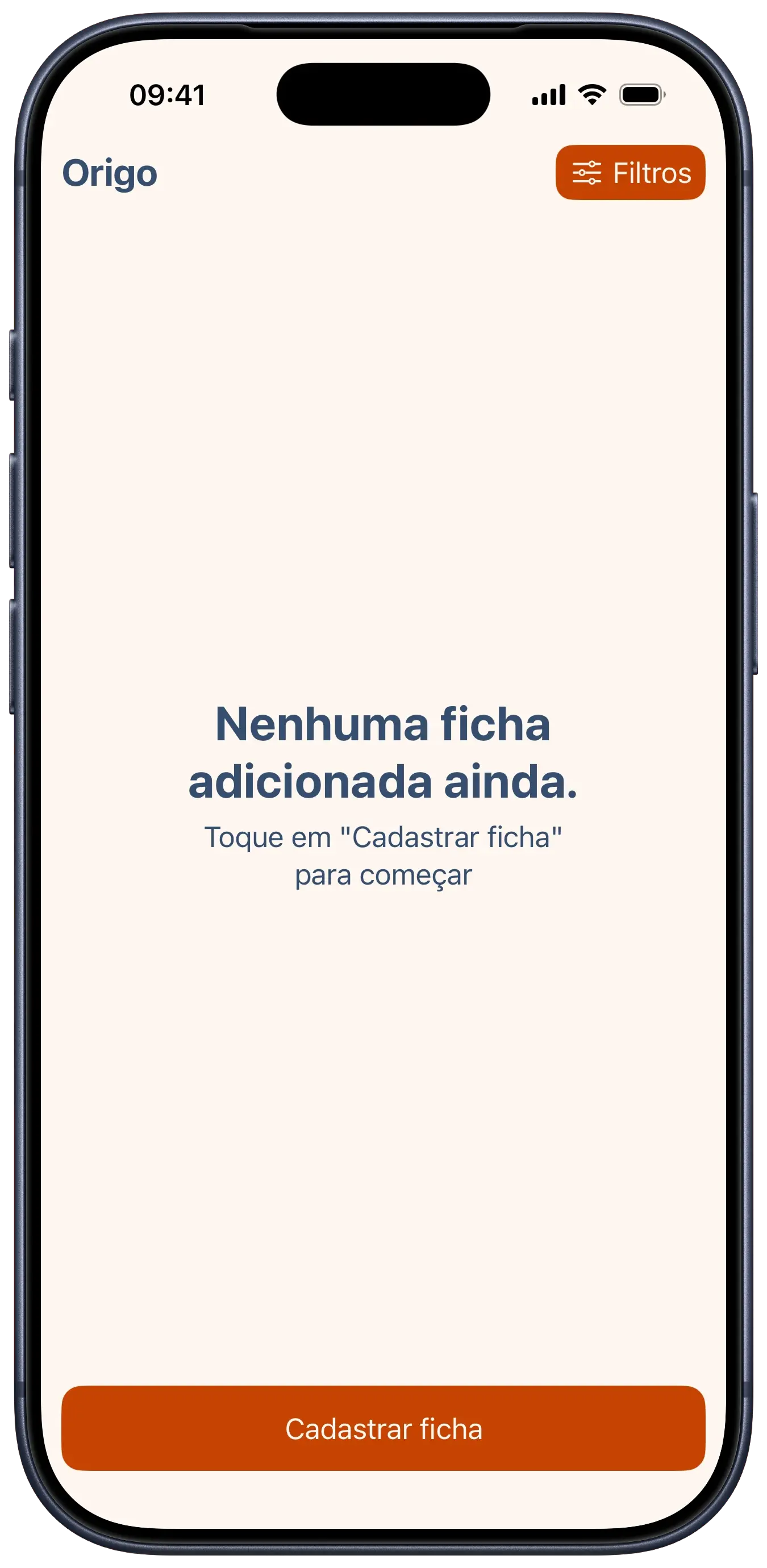
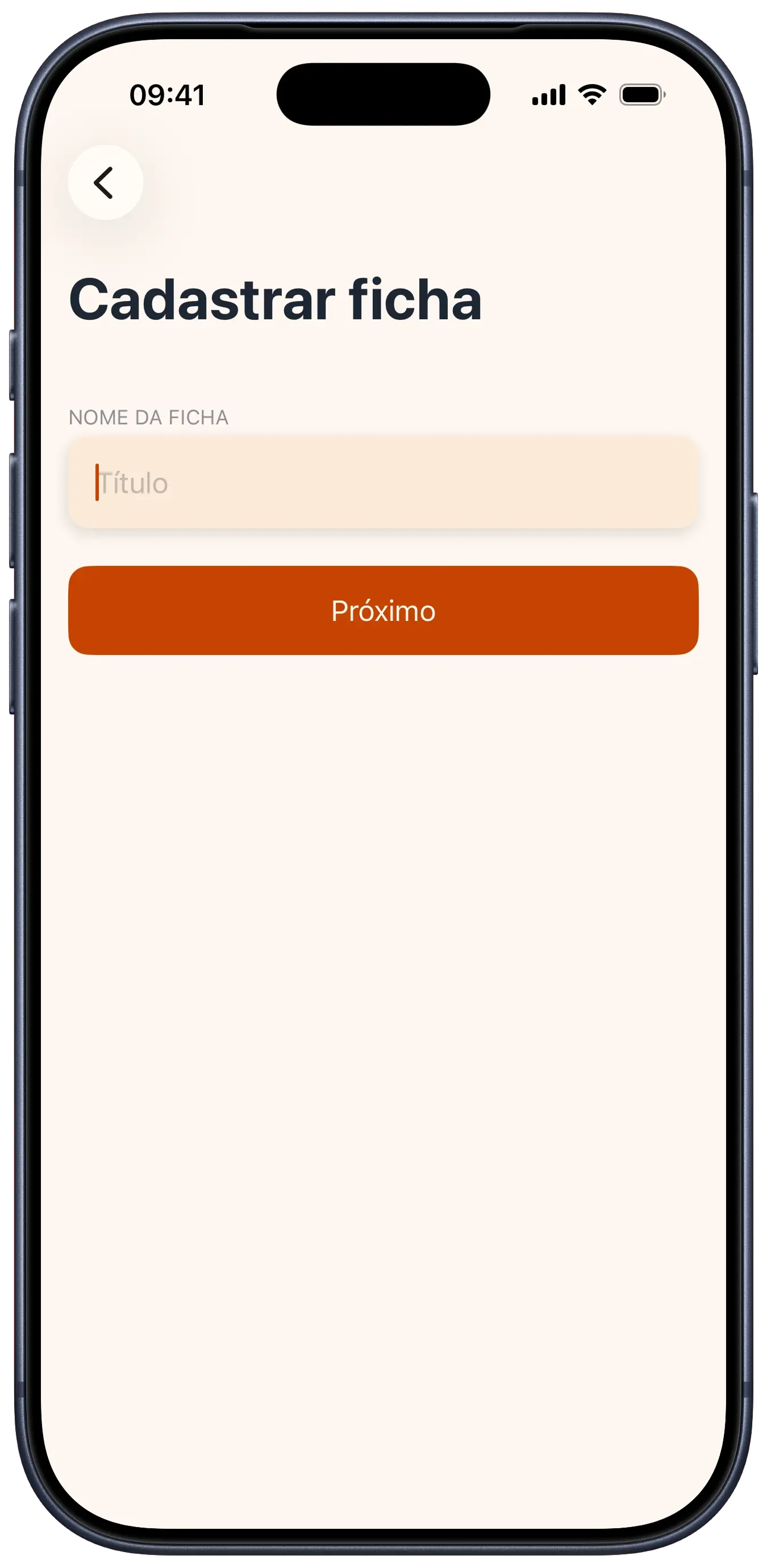
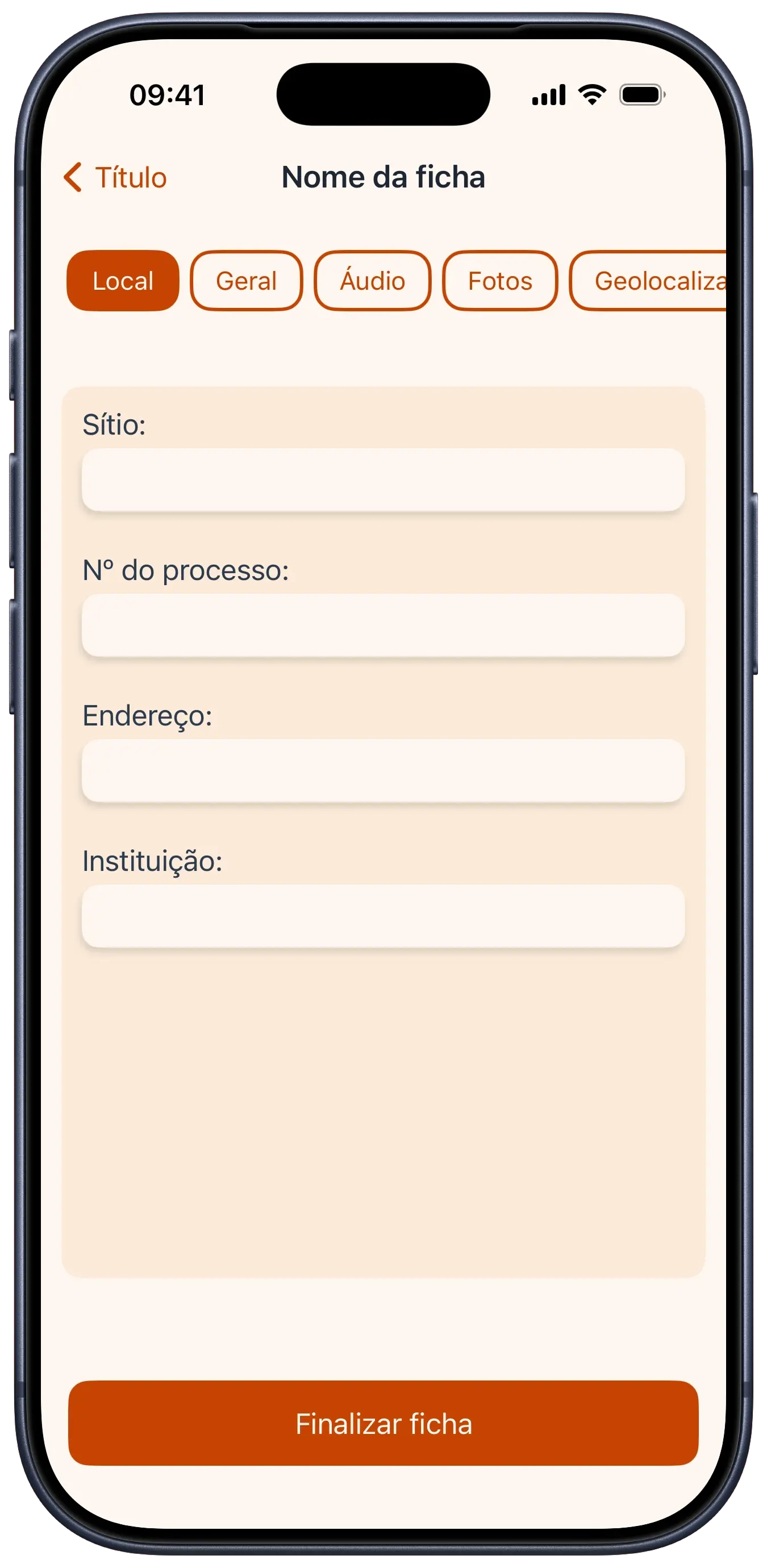
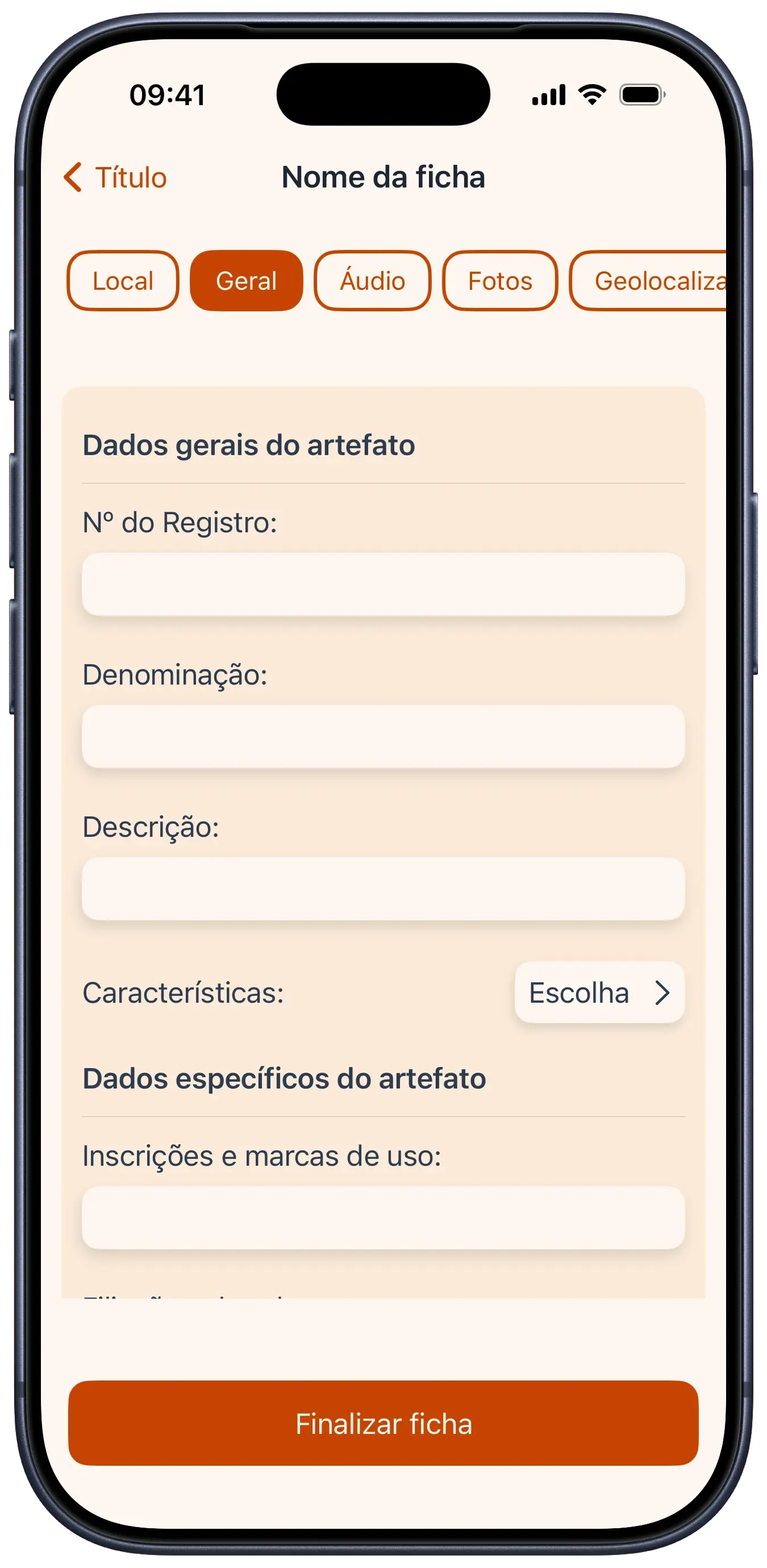
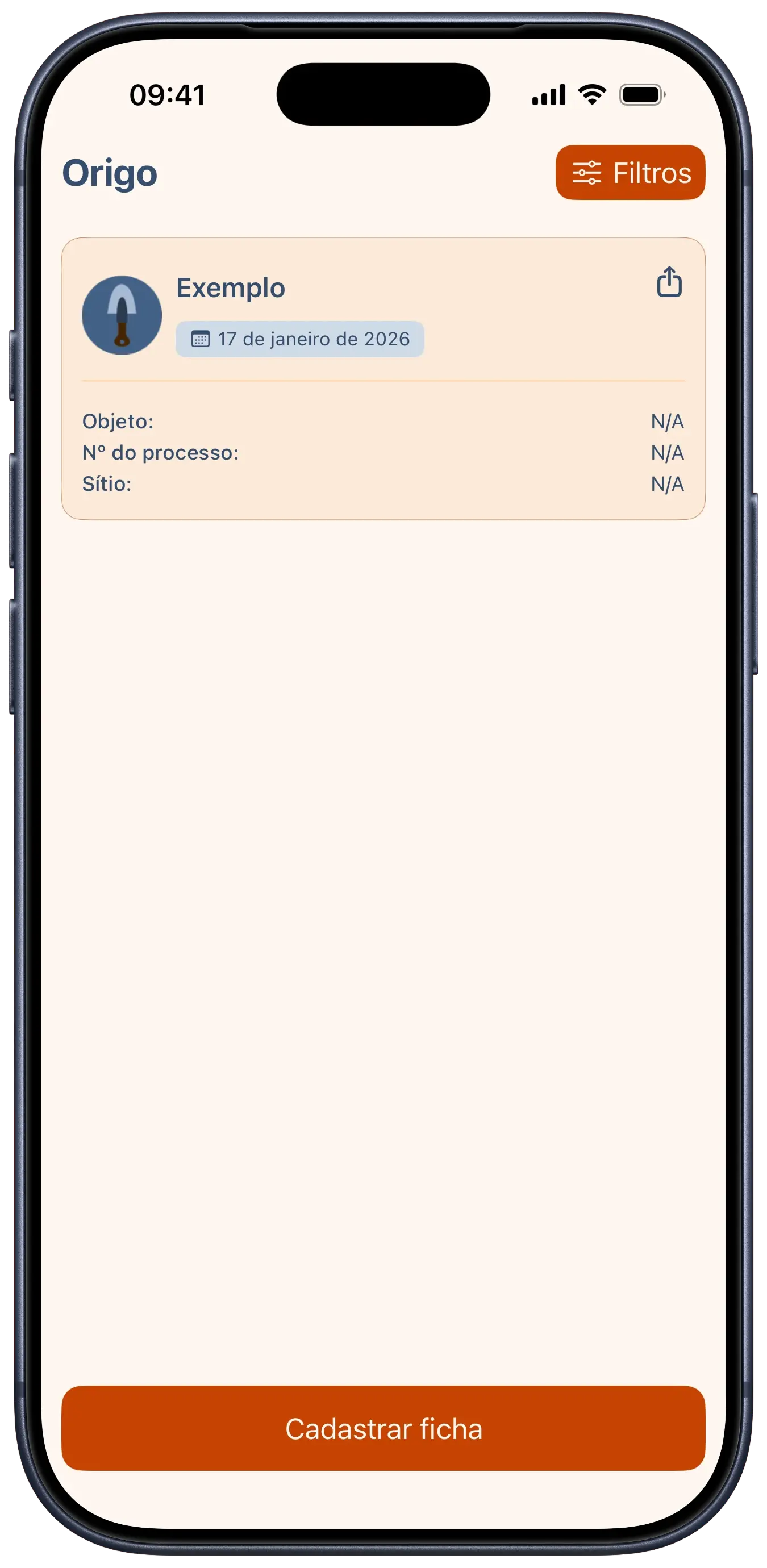
We developed Origo as part of a challenge focused on solving problems for specific professions. The idea was to replace the clipboards and paper used at archaeological sites with a digital solution. The app allows for detailed artifact registration, including technical data like materials, production techniques, and conservation status, as well as site information and process numbers.

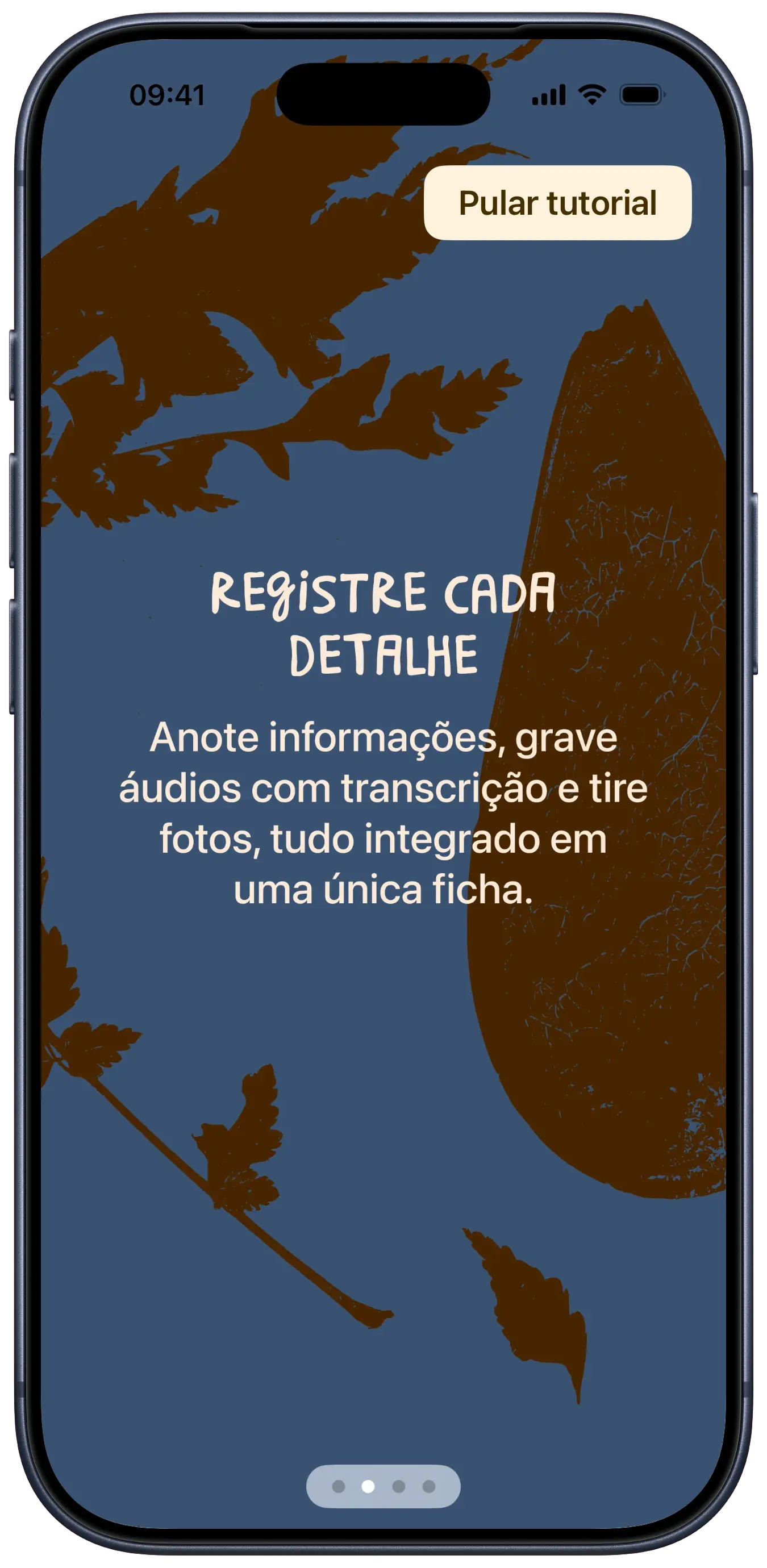
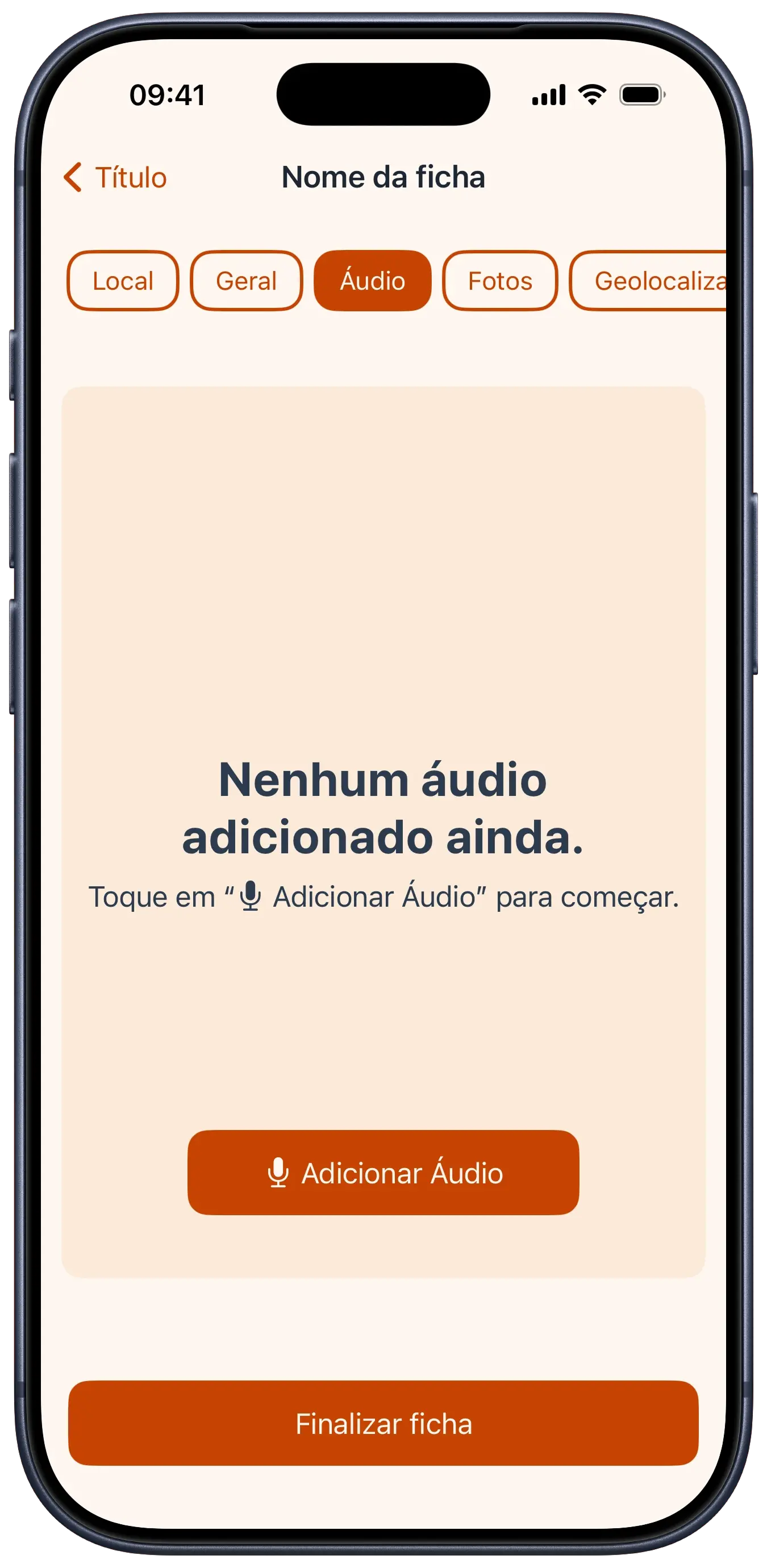
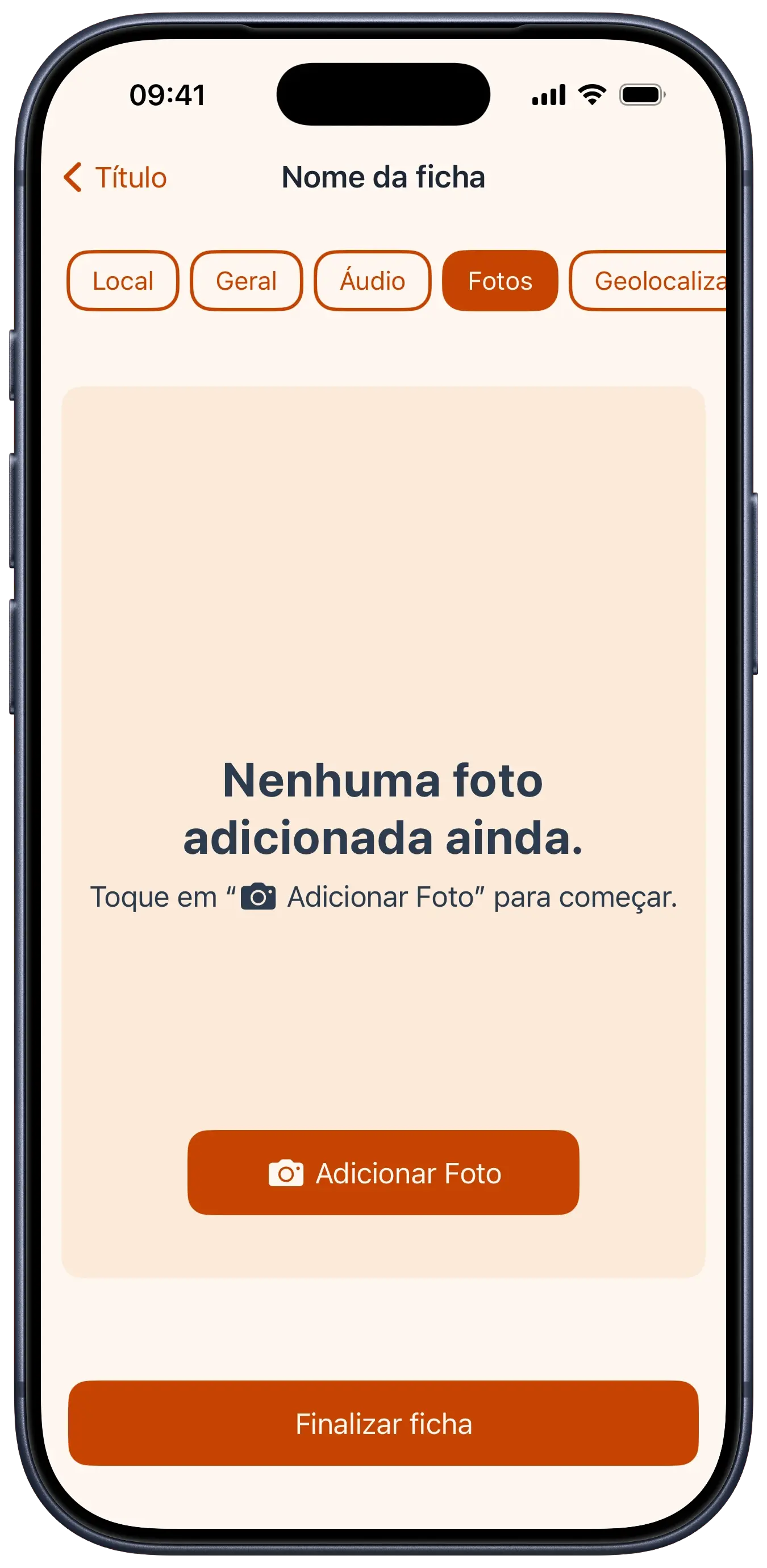
More than just a simple form, Origo acts as a multimedia field companion, allowing users to attach photos and audio recordings to each record, consolidating all excavation information into a single device.

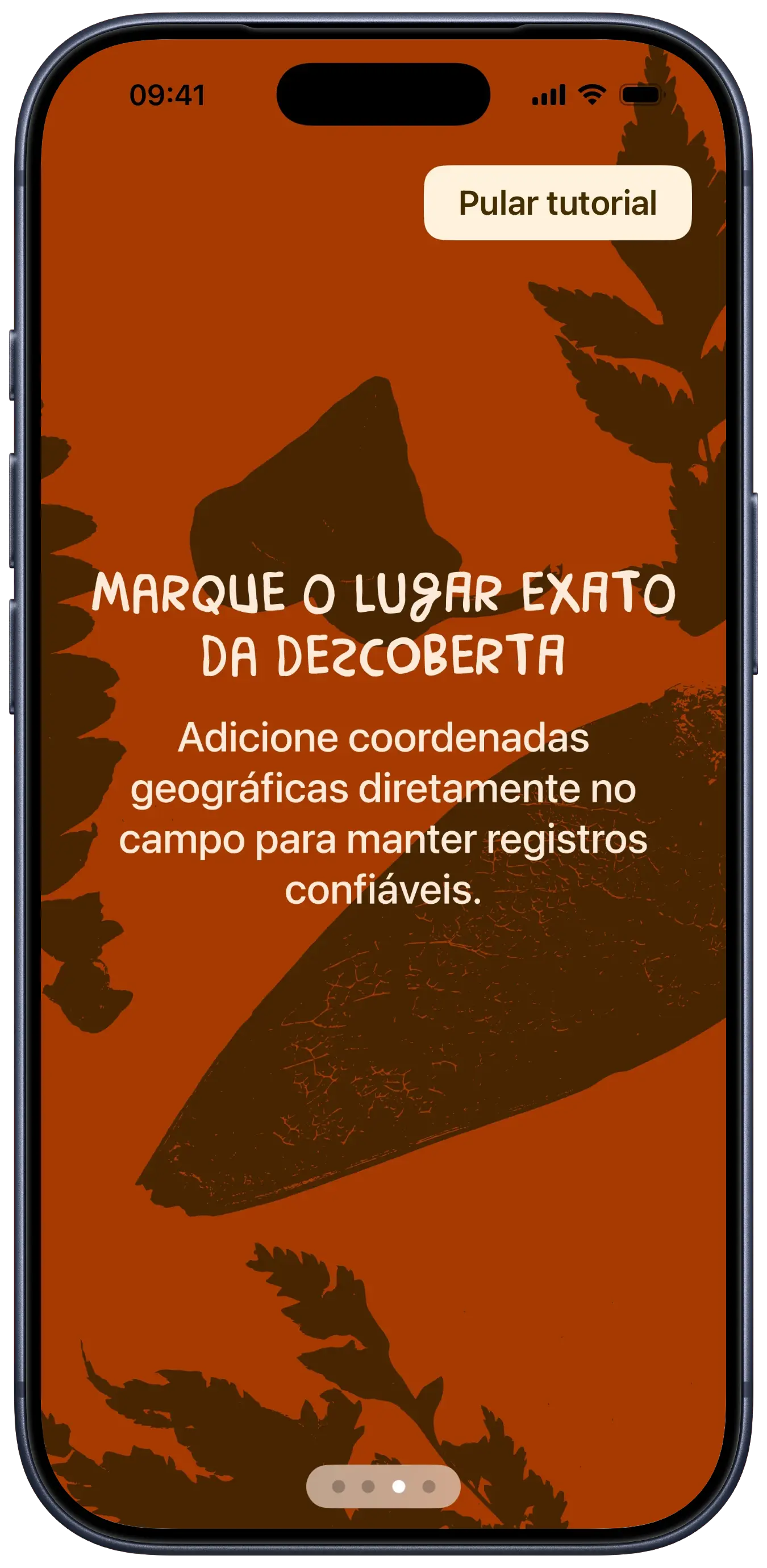
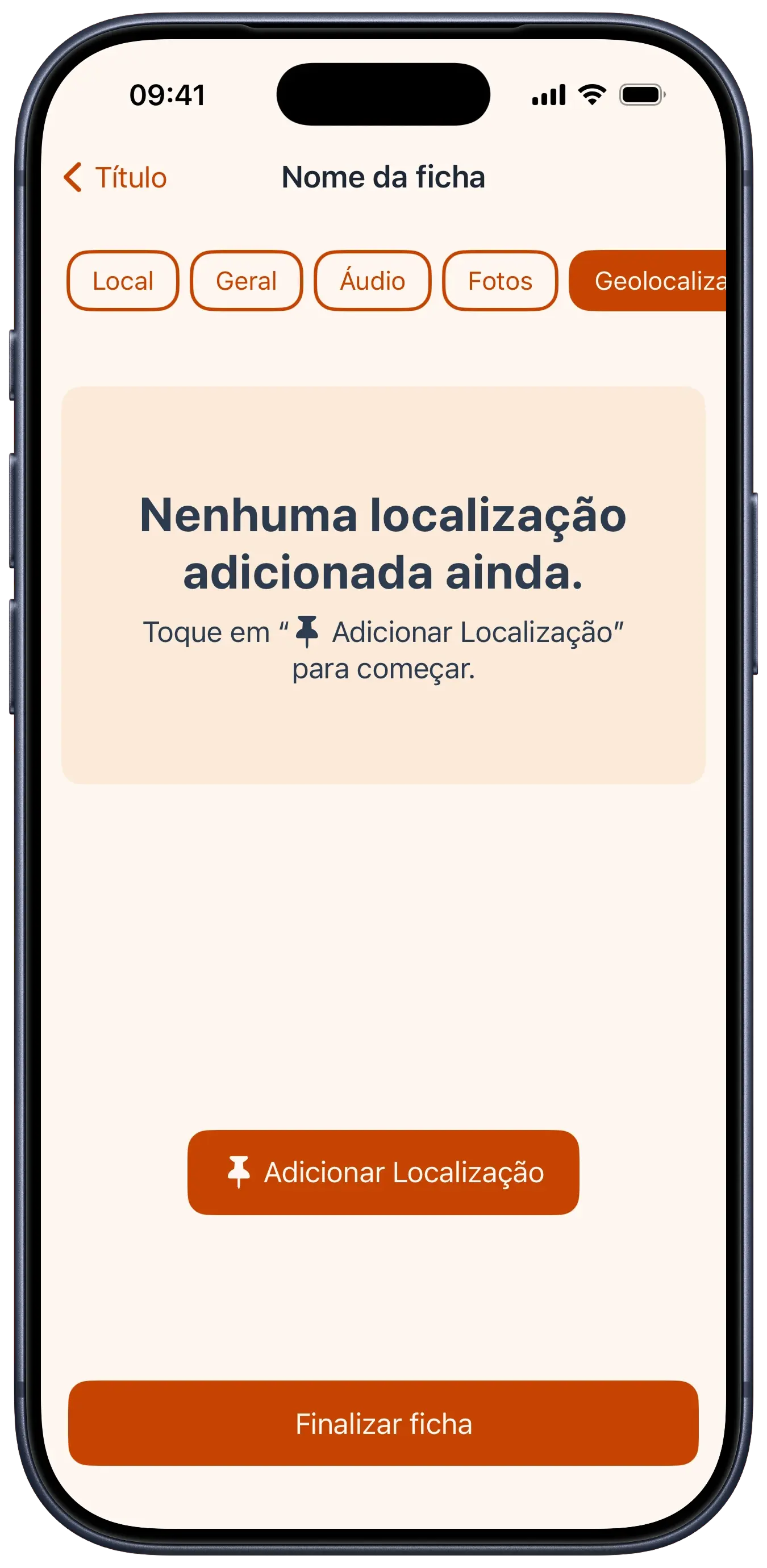
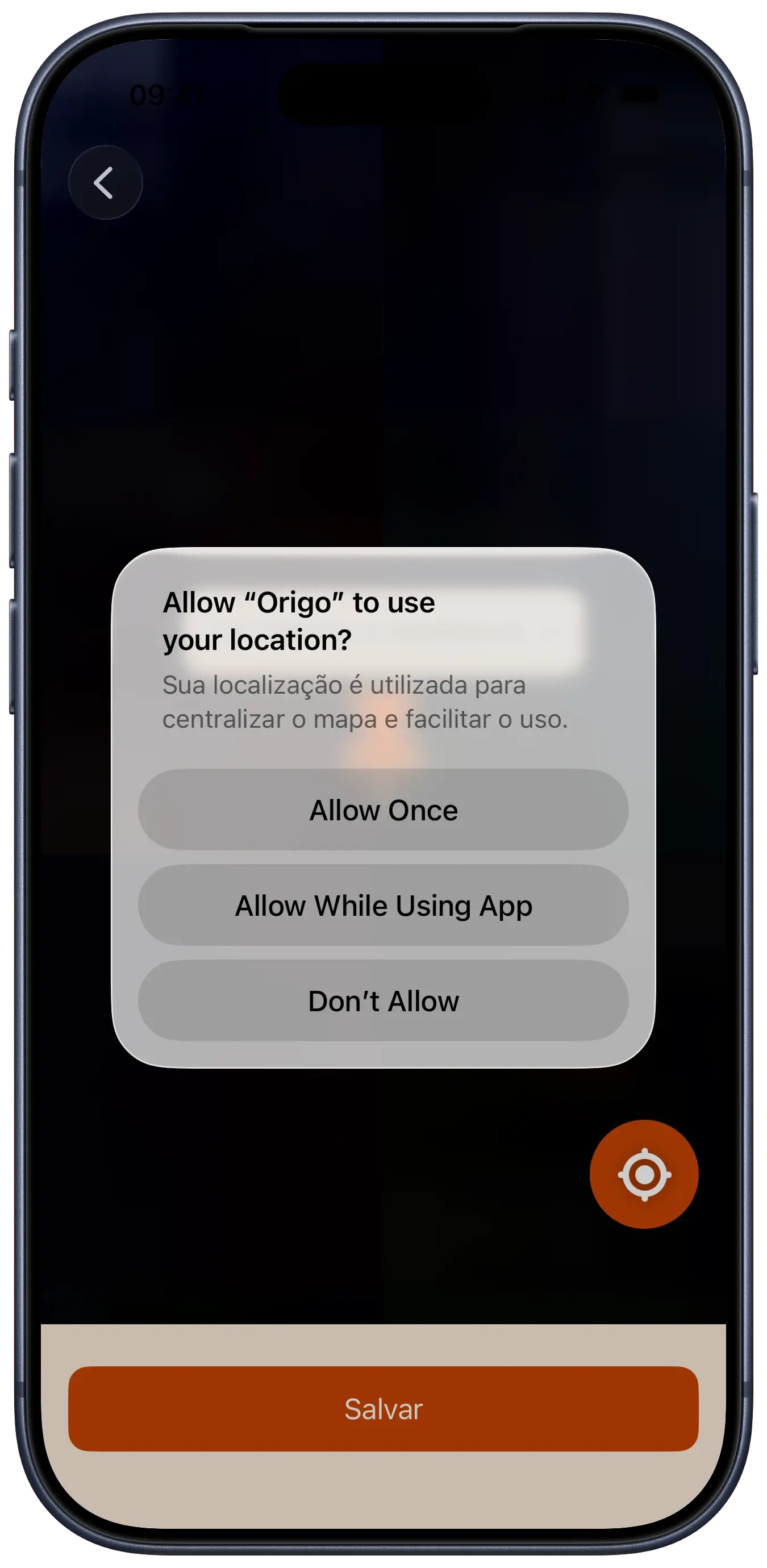
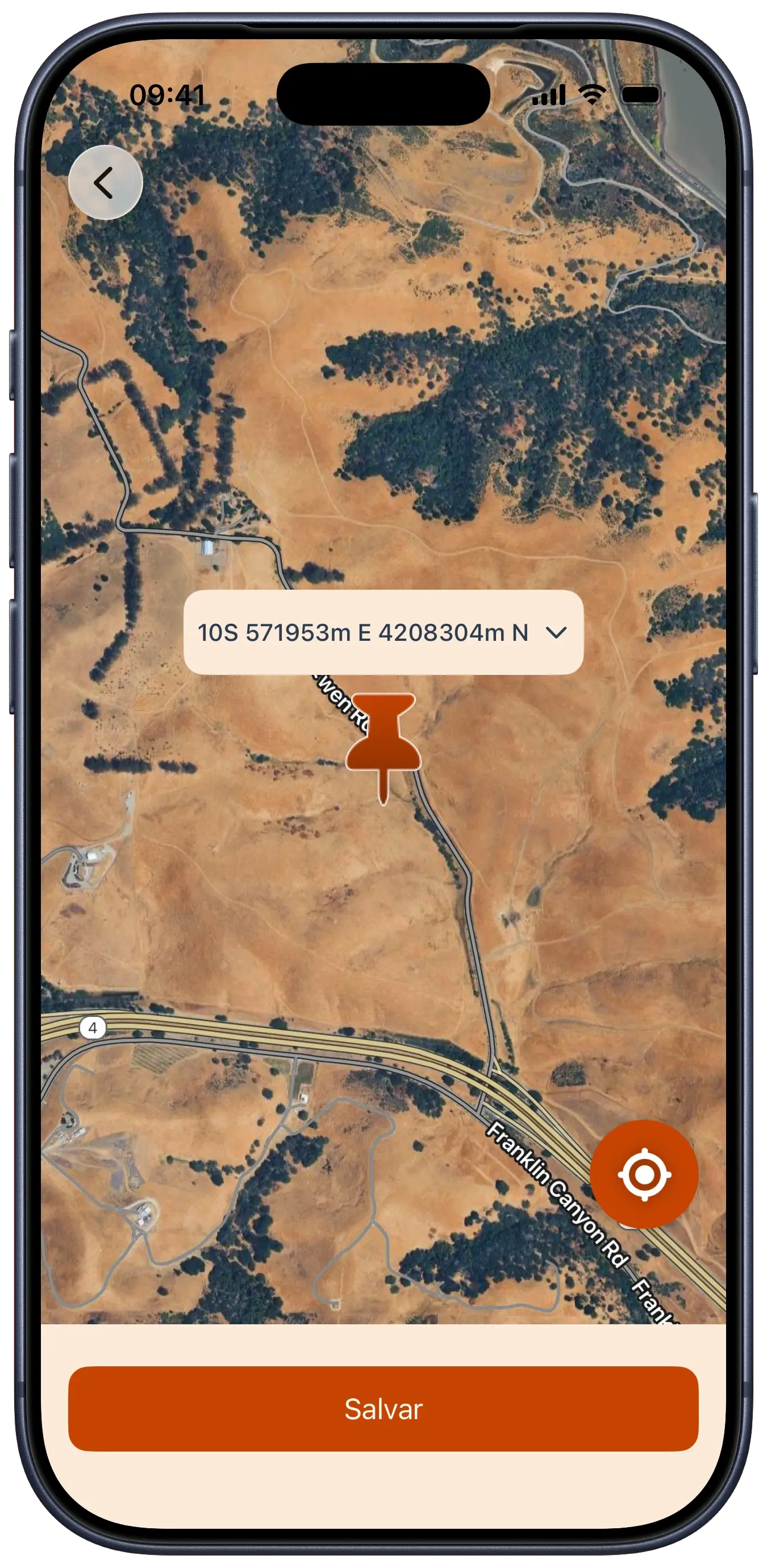
From a technical perspective, Origo was a deep dive into SwiftData for local persistence, handling complex models that connect artifacts to varied media. The integration with the Google Maps SDK was essential for capturing precise coordinates, which we converted to the UTM format (standard in archaeology).

Another highlight was the implementation of the Speech API, which automatically transcribes user-recorded audio notes into text, saving valuable typing time. The interface, built 100% in SwiftUI, manages dense data input flows without sacrificing clarity and usability.

tech stack

SwiftUI
UI framework
SwiftData
local persistence
Google Maps SDK
location services
AVFoundation
audio handling

code snippets

We used a 'draft' pattern to handle artifact registration. By using a temporary ObservableObject instead of writing straight to SwiftData, we make sure that incomplete or accidental data never hits the database until the user specifically hits save.

class RecordDraft: ObservableObject {
    @Published var id: UUID = UUID()
    @Published var name: String = ""
    @Published var createdAt: Date = Date()
    @Published var location: LocationInfoModel? = nil
    @Published var artifactData: ArtifactDataModel? = nil
    @Published var artifactDetails: ArtifactDetailsModel? = nil
    @Published var audios: [AudioModel] = []
    @Published var photos: [CapturedImageModel] = []
    @Published var geolocation: MapMarkerModel? = nil
    var asRecordModel: RecordModel {
        let artifact = ArtifactModel(
            location: location,
            artifactData: artifactData,
            artifactDetails: artifactDetails
        )
        return RecordModel(
            id: id,
            name: name,
            createdAt: createdAt,
            artifact: artifact,
            audios: audios,
            photos: photos,
            geolocation: geolocation
        )
    }
}

design choices

palette

bedrock #472500
rust #C54302
dust #F6D2B2
river #436187

typography

Brasilero 2018 Free / onboarding and logo
The quick fox jumps over the lazy dog
SF Pro Display / primary interface
The quick fox jumps over the lazy dog

some fonts used in this project are proprietary and may not display correctly if they are not installed on your system.

rationale

Origo is an app designed to assist archaeologists with the work of recording and cataloging artifacts found in the field. The color palette uses earthy and natural tones that refer to soil and artifacts, creating a connection with nature and history.

For the typography, the onboarding and app name use Brasilêro, a font created from the analysis of thousands of hand-painted signs and placards in urban and rural communities throughout Brazil. We chose it because it references national culture and brings a human, artisanal touch to the design. For the rest of the interface, we used SF Pro Display, which is modern, clean, and highly legible on digital screens, for a practical and native reading experience.

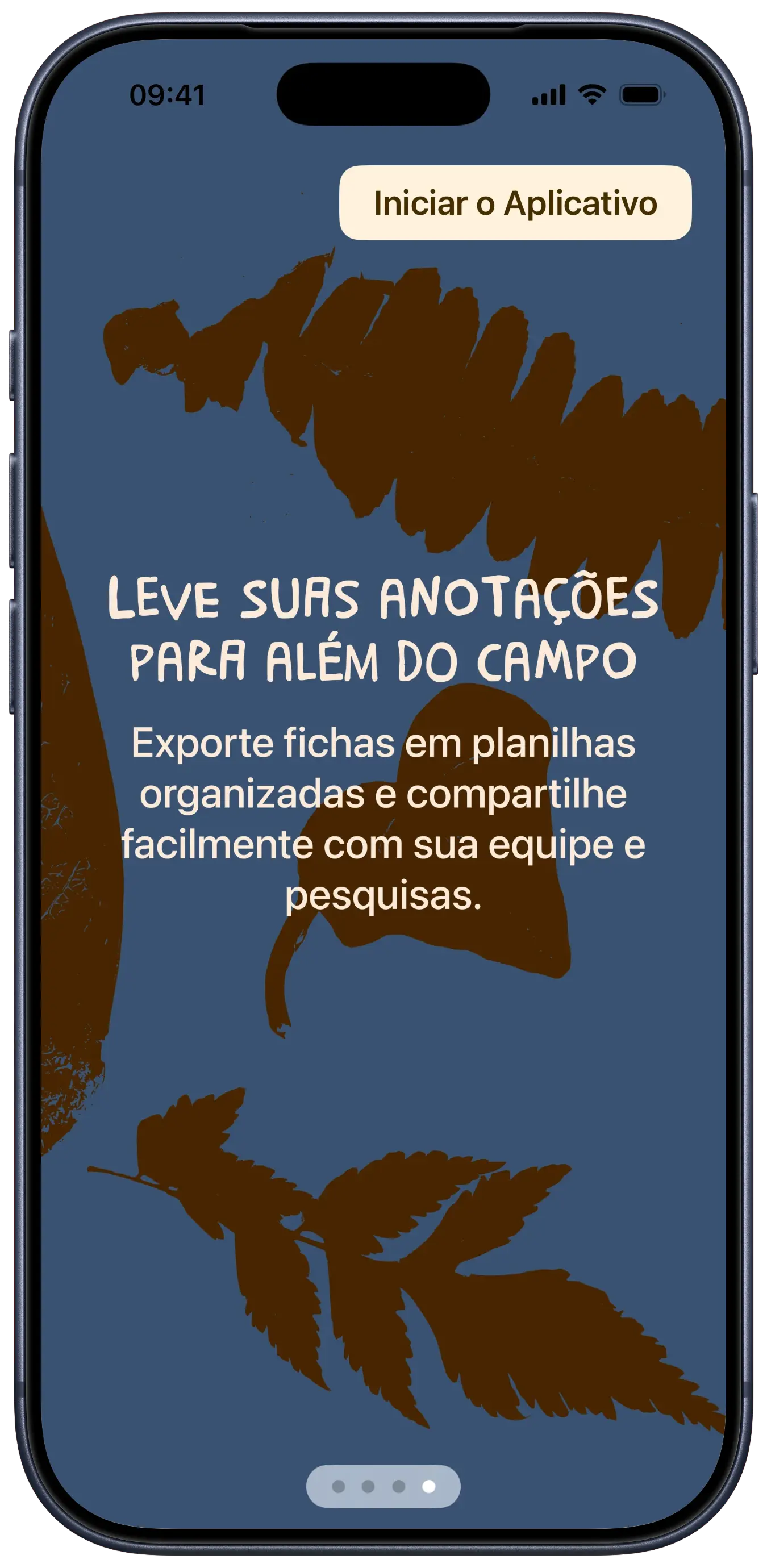
The app also features one more artisanal detail tied to fieldwork: we scanned various leaves and small plants, whose silhouettes were vectorized and used as ornaments and visual details in the onboarding and the app logo, reinforcing the connection with nature and the archaeological environment.

credits